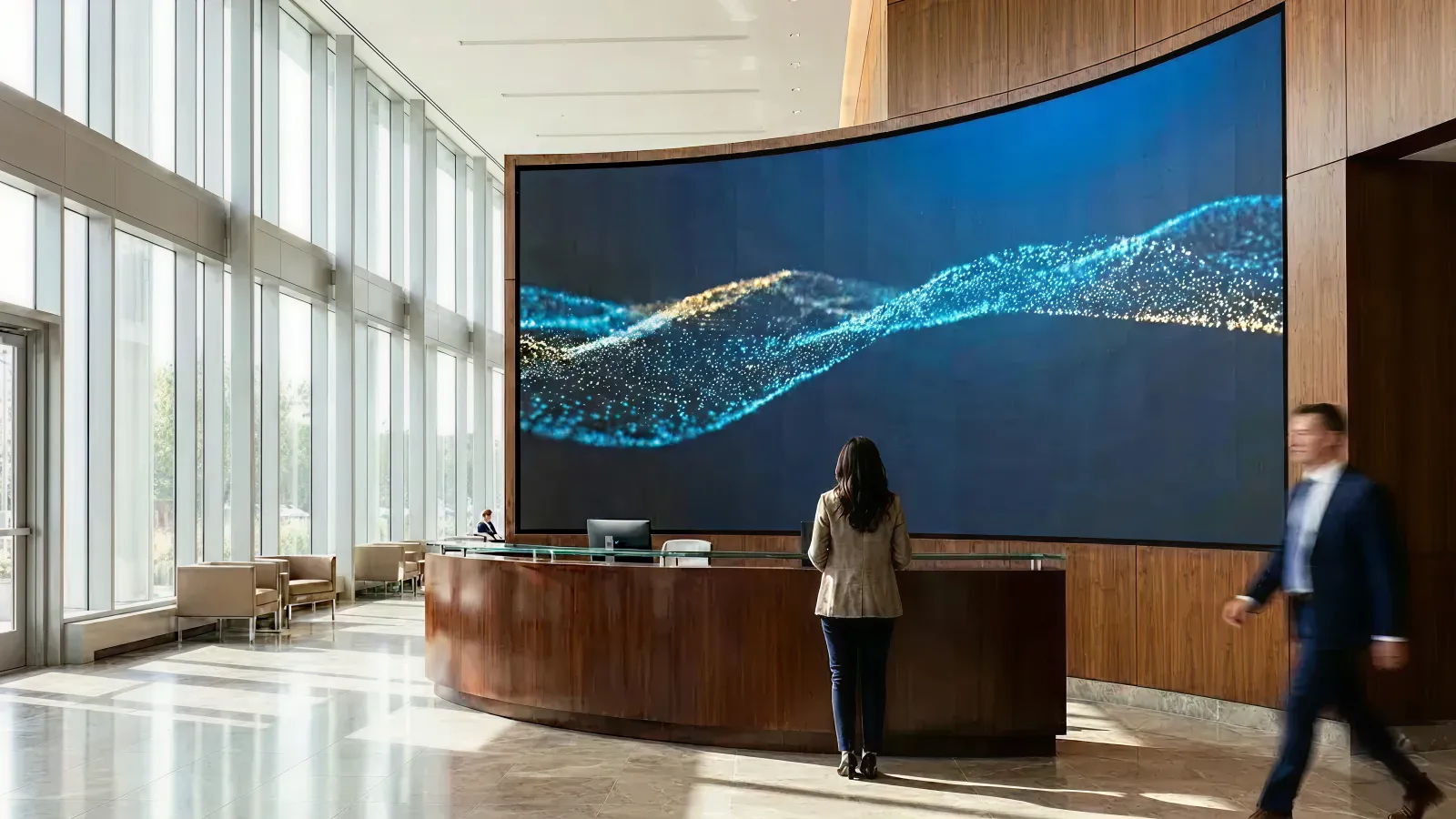
Your office lobby says more about your company than any pitch deck ever will.
When a candidate walks in for an interview, when a client arrives for a meeting, when an employee returns after working from home—the first thing they see sets the tone for everything that follows. A generic lobby with standard furniture and a corporate logo on the wall says "we're like everyone else." An interactive installation says "we invest in the experience of being here."
This guide breaks down what corporate interactive installations are, why they matter in the hybrid work era, how to design them for both employees and visitors, and how to navigate the budget conversations that make them happen.
Who this is for: Facilities directors, HR and People leads, corporate marketing teams, and CTOs evaluating technology investments for office spaces—whether you're planning a headquarters renovation, a new office opening, or a refresh of your reception experience.
Key Takeaways
- Generic lobbies don't justify the commute. In a hybrid work world, the office needs to offer something home doesn't—and a memorable lobby experience is part of that equation.
- Client first impressions form in seconds. An interactive installation at reception signals innovation, investment, and attention to detail before a single word is spoken.
- Corporate installations serve dual audiences: daily employee experience AND occasional visitor wow moments. Design for both.
- Unlike retail (crowds) or events (leads), corporate installations focus on impression, pride, and culture expression.
- Budget approval requires stakeholder alignment across facilities, HR, IT, and marketing—each with different success metrics.
1. Why Corporate Lobbies Need More Than Art and Signage
1-1. The Hybrid Work Challenge
In the post-pandemic workplace, employees have a choice. They can work from home—where the commute is zero, the coffee is free, and the distractions are manageable. Or they can come to the office.
For many companies, the office has become an optional destination. And optional destinations need to justify the trip.
A generic lobby doesn't do that. It says "this is where you badge in." An engaging lobby says "this is where you belong to something bigger."
1-2. Client First Impressions Are Formed Before the Meeting Starts
When a potential client, partner, or investor walks into your office, they're already forming judgments:
- Is this company innovative or stuck in the past?
- Do they invest in their environment and culture?
- Does being here feel special, or is it just another office visit?
A reception area with a standard desk and a logo wall is forgettable. A reception area with an interactive experience that responds to their presence—showing company achievements, visualizing data, or creating an ambient atmosphere—is memorable.
That first impression colors the entire meeting that follows.
1-3. Employer Branding Is a Competitive Advantage
In talent markets where skilled professionals have choices, employer brand matters. How candidates feel when they visit your office influences whether they accept an offer.
- Tech companies compete partly on workspace quality
- Financial services firms signal success through their environments
- Creative agencies demonstrate their capabilities through their own spaces
An interactive installation is tangible proof that your company invests in experience—not just for customers, but for the people who work there.
2. What Is a Corporate Interactive Installation?
A corporate interactive installation is a digital experience in an office environment that responds to presence, movement, touch, or data—transforming passive spaces into engaging ones.
The goal isn't entertainment (that's retail) or lead capture (that's events). The goal is impression and expression:
- Impressing visitors with your company's innovation and culture
- Expressing your brand values in a tangible, experiential way
- Creating pride and connection for employees who see it daily
Common formats for corporate environments:
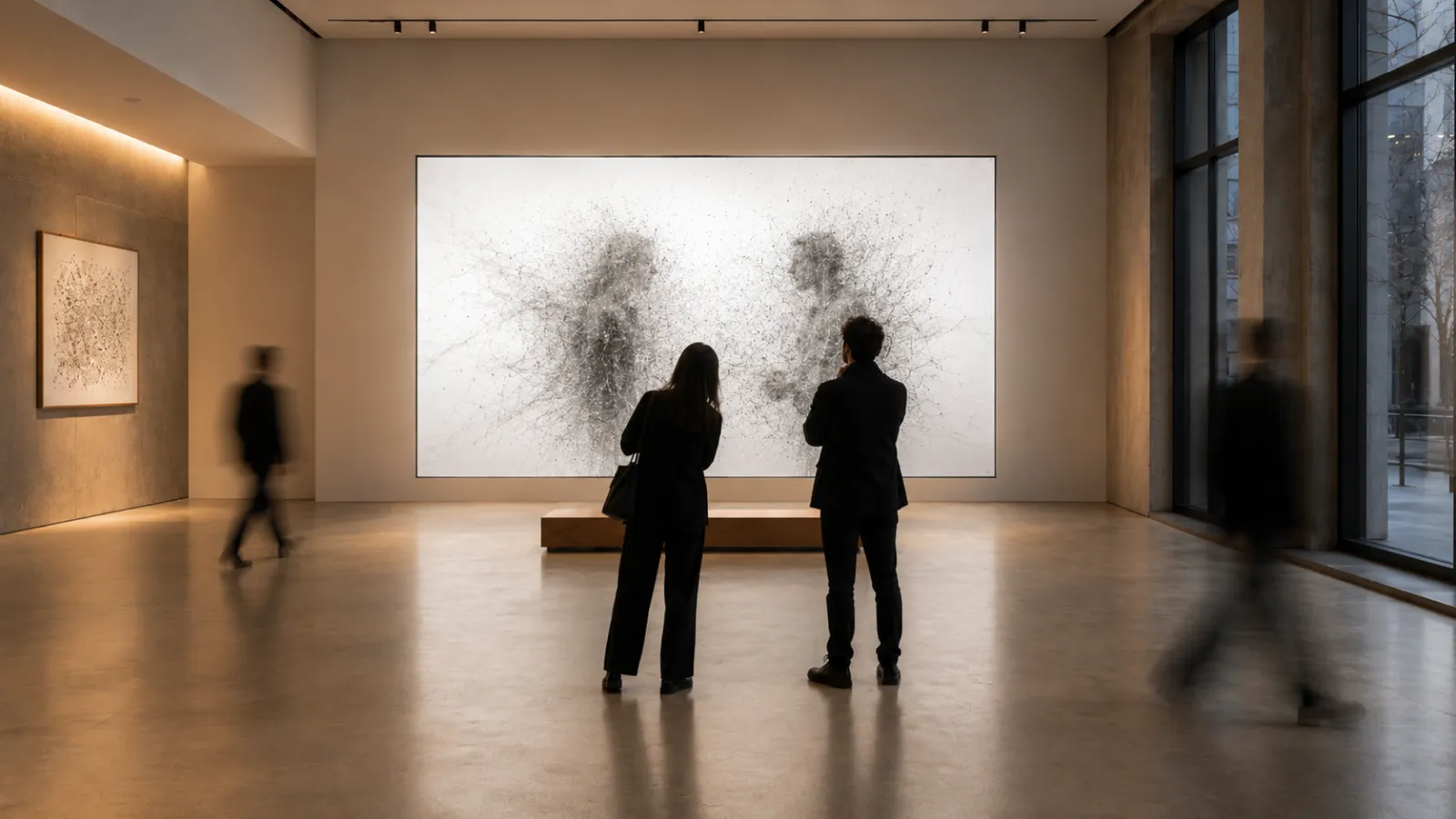
- Lobby feature walls: Large-scale generative art or data visualizations that respond to movement or time
- Reception experiences: Welcome displays that adapt to visitor schedules, show company news, or create ambient atmosphere
- Employee recognition displays: Celebrating wins, milestones, anniversaries, and team achievements in real-time
- Executive briefing centers: Immersive rooms for client presentations that tell your company story
- Town hall and all-hands spaces: Dynamic backdrops for company meetings and announcements
- Real-time data visualization: Stock price, company KPIs, global office activity, sustainability metrics
3. The 4 Outcomes Corporate Installations Deliver
3-1. Client Impression and Trust Building
When clients visit your office, an interactive installation signals:
- Investment: You allocate resources to environment and experience
- Innovation: You adopt technology in ways that feel sophisticated, not gimmicky
- Attention to detail: You care about how things look and feel
These signals build trust before the business conversation begins. They create the impression that this is a company that does things well.
3-2. Employer Brand and Talent Attraction
For candidates visiting for interviews, the office environment is part of the evaluation:
- "Would I be proud to bring clients here?"
- "Does this feel like a place where good work happens?"
- "Does the company invest in its people's experience?"
An interactive installation answers these questions positively before you even describe your benefits package.
3-3. Employee Pride and Culture Expression
For employees who come to the office regularly (or occasionally), the lobby is a daily touchpoint:
- Pride: "This is where I work" becomes something worth sharing
- Connection: Seeing company news, achievements, and recognition creates belonging
- Differentiation: The office feels distinct from generic coworking spaces
In hybrid work models, when employees choose to come in, they should feel the choice was worthwhile.
3-4. Real-Time Company Storytelling
Corporate installations can visualize your company in real-time:
- Business performance: Stock price, quarterly metrics, growth indicators (for public companies or internal dashboards)
- Global activity: Office locations, team activity across time zones
- Sustainability: Energy usage, carbon offsets, ESG metrics
- Culture: Employee spotlights, recent hires, team milestones, anniversary celebrations
This turns the lobby from a static waiting room into a live expression of who you are.
4. Designing for Corporate Audiences
4-1. Dual-Mode Design: Daily Users vs. First-Time Visitors
Corporate installations serve two very different audiences:
Employees (daily or regular users)
- See the installation frequently—it shouldn't become annoying or distracting
- Appreciate subtle variations and evolving content
- Value recognition and company news integration
- Need it to feel calm during busy days
Visitors (occasional or first-time)
- Experience the installation fresh—impact matters
- Form impressions quickly—the "wow" should be immediate
- May want to understand what they're seeing
- Often waiting before meetings—the experience fills time positively
The best corporate installations work in both modes: ambient and impressive for employees, engaging and memorable for visitors.
4-2. Balancing "Impressive" with "Professional"
Unlike retail installations designed for crowd formation, corporate installations need to feel appropriate:
- Sophisticated rather than flashy
- Innovative rather than gimmicky
- Calm rather than chaotic
- On-brand rather than generic
The aesthetic should match your company culture. A law firm's installation looks different from a gaming company's. A financial services firm differs from a creative agency.
4-3. Integration with Brand Guidelines
Corporate installations should feel like a natural extension of your brand:
- Color palette: Use brand colors in a sophisticated, not overwhelming way
- Typography: If text appears, it should match corporate fonts
- Imagery: Photography style, illustration approach, and visual language should align
- Tone: The experience should feel like your brand voice—whether that's bold, calm, playful, or precise
Work with your brand team early. They'll have opinions, and alignment prevents painful revisions later.
4-4. Accessibility and Inclusivity
Corporate spaces serve diverse visitors and employees:
- Mobility: Ensure interaction zones work for wheelchair users
- Vision: Consider contrast and size for viewers with different visual abilities
- Hearing: If audio is used, provide visual alternatives; consider volume and intrusiveness
- Cognitive: Keep interactions intuitive—no complex instructions required
Accessibility isn't just compliance. It's professional courtesy and good design.
5. Technical Considerations for Office Environments
5-1. Business Hours vs. Always-On
Unlike hotel installations that run 24/7, corporate installations typically operate during business hours:
- Simpler maintenance: Equipment can restart overnight
- Energy efficiency: Scheduled power management
- Content timing: Different content for different times of day (morning welcome, afternoon calm)
That said, some companies want their lobbies impressive even after hours—for late meetings, evening events, or security camera aesthetics. Plan for your actual usage pattern.
5-2. IT Security and Network Integration
Corporate IT teams will have requirements:
- Network isolation: Installation systems often need separate network segments
- Data security: Any company data displayed must be secured appropriately
- Access control: Who can update content? Through what systems?
- Compliance: Industry-specific requirements (financial services, healthcare, government)
Involve IT early. Their concerns are legitimate, and early alignment prevents project delays.
5-3. Integration with Existing Systems
Corporate installations can integrate with:
- Digital signage networks: Unified content management across the building
- Visitor management systems: Personalized welcomes for expected guests
- HR systems: Employee recognition, anniversary celebrations, new hire announcements
- Business intelligence: Real-time KPIs, sales dashboards, operational metrics
- Calendar systems: Meeting room status, event announcements
Integration adds complexity and cost but increases relevance and value.
5-4. Content Management for Multiple Stakeholders
In corporate environments, multiple teams want to update content:
- Marketing: Brand campaigns, product launches
- HR: Employee recognition, policy updates, culture content
- Communications: Company news, executive messages
- Facilities: Building information, safety messages
- Events: Visitor welcomes, meeting announcements
A well-designed CMS (content management system) lets authorized users make updates without technical intervention. Define governance early: who approves what, and how quickly can changes go live?
6. Budget and Procurement
6-1. Budget Tiers for Corporate Installations
| Installation Type | Typical Budget Range | Description |
|---|---|---|
| Single feature display | $25,000–$50,000 | One large screen with ambient/reactive content |
| Lobby feature wall | $50,000–$100,000 | Custom content, data integration, CMS |
| Multi-zone experience | $100,000–$175,000 | Reception + waiting + briefing center |
| Headquarters showpiece | $175,000–$300,000+ | Room-scale, custom hardware, full integration |
Budgets vary based on:
- Physical footprint and hardware requirements
- Content complexity and custom development
- Integration with existing corporate systems
- Ongoing maintenance and content update needs
6-2. Capex vs. Opex Considerations
Corporate finance teams think in terms of:
Capital expenditure (Capex)
- One-time purchase of hardware and installation
- Depreciated over 5-7 years
- Often tied to renovation or construction budgets
- May require executive or board approval above certain thresholds
Operating expenditure (Opex)
- Ongoing software licenses, content updates, maintenance
- Comes from annual operating budgets
- Easier to approve in smaller increments
- May be allocated to facilities, IT, or marketing budgets
Some vendors offer leasing or subscription models that shift costs from capex to opex. Understand what works better for your organization's budget structure.
6-3. Facilities Budget Cycles
Corporate facilities budgets typically operate on:
- Annual planning cycles: Budget requests submitted 6-12 months before fiscal year
- Renovation triggers: New leases, office moves, headquarters projects
- Improvement allocations: Ongoing funds for space upgrades
Understanding your company's cycle helps you time the conversation correctly. A project proposed mid-year may need to wait for next year's budget.
6-4. ROI Framing for Finance Approval
Finance teams want to understand value. Frame ROI in terms they recognize:
Employer brand value
- Recruiting cost savings (better candidate conversion)
- Retention improvements (reduced turnover costs)
- Glassdoor and employer review impact
Client impression value
- Deal win rate improvements
- Client meeting feedback
- Shortened sales cycles from stronger first impressions
Operational value
- Reduced need for printed materials and signage updates
- Centralized communication through dynamic displays
- Energy efficiency compared to multiple smaller displays
Quantify where possible, but don't invent numbers. "Our recruiting team believes this will help close competitive candidates" is honest and sufficient.
7. Where Corporate Installations Work Best
7-1. Reception and Main Lobby
The most common location—it's where first impressions form:
- Visitors wait here before meetings
- Employees pass through daily
- Guests often take photos for social media
- The space represents the company to everyone who enters
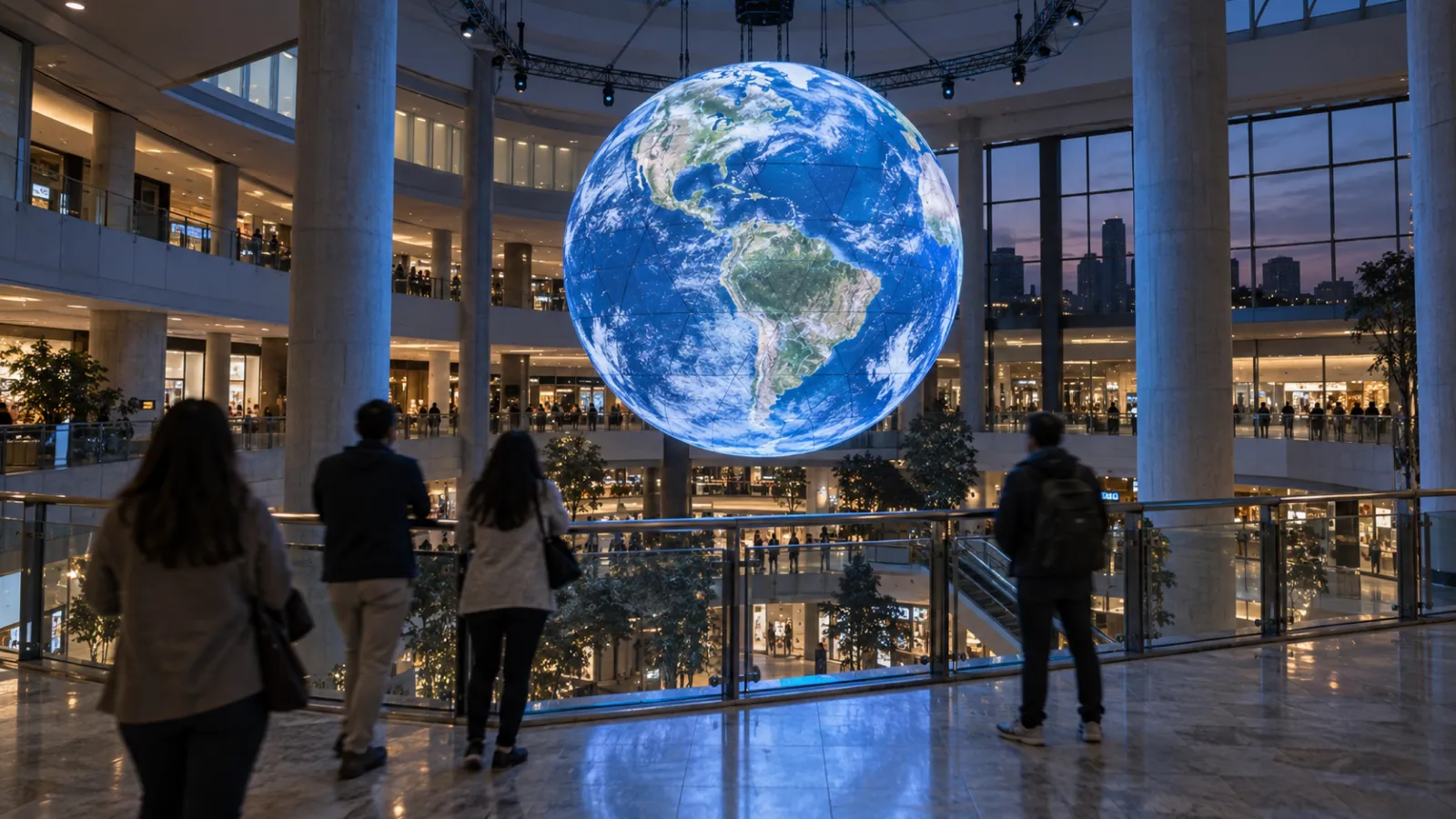
Atriums with height often reach for a suspended spherical LED display as the centrepiece. That is a different production problem from a flat wall—see our LED sphere and dome content guide before signing a hardware order.
7-2. Executive Briefing Centers
Dedicated rooms for important client and partner meetings:
- Immersive environments for company storytelling
- Interactive presentations of capabilities and case studies
- Memorable settings that differentiate your pitch
7-3. Employee Experience Zones
Areas designed for employee engagement:
- Cafeterias and break rooms
- Collaboration spaces
- Town hall and all-hands venues
- Innovation labs and creative spaces
7-4. Visitor Waiting Areas
Where guests wait before their meeting:
- Time spent waiting becomes time spent experiencing your brand
- Digital content keeps visitors engaged
- Company information and achievements build context for the meeting
7-5. Building Entrances and Atriums
For multi-tenant buildings where you want to signal your presence:
- Atrium installations visible from multiple floors
- Building entrance experiences that greet everyone
8. Common Pitfalls (and How to Avoid Them)
8-1. Making It "Too Fun"
Corporate environments require professionalism. An installation that feels like a video game may impress some visitors but concern others:
- "Do they take business seriously?"
- "Is this where our fees are going?"
- "Seems more focused on flash than substance"
Solution: Design for sophistication. Interactive doesn't mean arcade-like. Subtle responsiveness and elegant visuals read as innovative without being frivolous.
8-2. Ignoring IT and Security Requirements
IT teams can kill projects late in the process if they weren't consulted early:
- Network security concerns
- Data protection requirements
- Compliance issues
- Maintenance access needs
Solution: Bring IT into the conversation during planning, not after the concept is finalized.
8-3. Content That Goes Stale
A "Welcome to 2024" message displayed in 2026 undermines the entire installation:
- Outdated company information
- Old team photos
- Irrelevant metrics
- Seasonal content left running year-round
Solution: Define content governance upfront. Who updates what, how often, and with what approval process?
8-4. Treating It as a One-Time Project
Installations require ongoing attention:
- Hardware maintenance
- Software updates
- Content refreshes
- Performance monitoring
Solution: Budget for ongoing costs from the start. A maintenance contract is not optional.
8-5. Unclear Stakeholder Alignment
When facilities, HR, IT, and marketing all have opinions but no one owns the decision:
- Projects stall
- Requirements conflict
- Budgets get fragmented
- No one is satisfied with the result
Solution: Establish a single project owner with authority to make decisions and align stakeholders.
9. Roadmap: Planning a Corporate Installation
Step 1: Define Goals and Stakeholders
Before any creative work:
- What outcomes do we want? (Client impressions? Employer brand? Employee engagement?)
- Who needs to approve this? (Facilities? Marketing? IT? Executive leadership?)
- What's the realistic budget range?
- What's the timeline? (Tied to renovation? Standalone project?)
Step 2: Align Stakeholders Early
Get buy-in from:
- Facilities: Space requirements, construction coordination, maintenance
- IT: Network, security, integration requirements
- Marketing: Brand alignment, content governance
- HR: Employee experience goals, recognition features
- Finance: Budget structure, approval thresholds
- Executive sponsor: Overall vision and authority
Step 3: Concept and Design
With goals and stakeholders aligned:
- Develop creative concepts that meet everyone's requirements
- Prototype and test with representative users
- Refine based on feedback
Step 4: Technical Planning
- Finalize hardware specifications
- Define integration requirements
- Plan installation logistics
- Establish content management workflow
Step 5: Installation and Launch
- Install hardware during low-impact windows
- Test thoroughly before going live
- Train content administrators
- Plan internal communications about the new installation
Step 6: Ongoing Operation
- Regular content updates
- Hardware maintenance schedule
- Performance monitoring
- Periodic refresh of creative content
10. About Utsubo
Utsubo is a creative studio specializing in interactive installations and digital experiences.
We've built installations for museums, retail flagships, hotels, and corporate environments. Our approach combines design quality with technical reliability—experiences that look impressive and run without issues.
Our work includes a large-scale interactive installation for JR West (West Japan Railway Company, one of Japan's largest railway operators), where we created an immersive digital experience for their public spaces. Watch the JR West installation.
For corporate projects specifically, we understand the stakeholder dynamics, IT requirements, and brand standards that make these projects successful. We've worked with facilities teams, brand guidelines, and enterprise IT security reviews.
If you're planning a lobby renovation, headquarters project, or workspace upgrade and want an experience that impresses visitors and engages employees, we can help you plan and build it.
11. Book a 30-Minute Planning Call
If you're evaluating an interactive installation for your office lobby, reception area, or executive briefing center, book a 30-minute project call. We'll help you explore:
- The right experience format for your space and company culture
- Realistic budget and timeline expectations
- How to structure stakeholder alignment and approval
Book a call:Schedule your call
12. Corporate Team Checklist
- We've identified the primary goal (client impression, employer brand, employee experience)
- Key stakeholders are aligned (facilities, HR, IT, marketing, executive sponsor)
- Budget range is defined and approved in principle
- The installation design balances "impressive" with "professional"
- IT and security requirements have been addressed
- Content governance is defined (who updates what, how often)
- Ongoing maintenance is budgeted
- The experience works for both daily employees and first-time visitors
- Brand guidelines are integrated into the design
- Accessibility requirements are met
FAQs
What's the difference between digital signage and an interactive installation?
Digital signage displays pre-scheduled content on a loop—viewers watch passively. Interactive installations respond to presence, movement, or touch, creating a dynamic experience that feels personalized. The key difference is agency: visitors feel the experience reacting to them rather than broadcasting at them. For corporate lobbies, this creates a stronger impression and more memorable experience.
How long does a corporate installation typically last before needing replacement?
With proper maintenance, hardware typically lasts 5-8 years. Content should be refreshed more frequently—quarterly for minor updates, annually for significant creative refreshes. Many companies treat installations as evolving assets rather than fixed purchases, updating content to reflect company changes while maintaining the same hardware infrastructure.
What if our IT team has concerns about network security?
This is common and valid. Most corporate installations are designed to operate on isolated network segments, separate from your main corporate network. Data displayed can be pulled through secure APIs with appropriate authentication. We work with IT teams early in the process to address security requirements before they become blockers.
How do we measure ROI for a corporate lobby installation?
Unlike retail (sales) or events (leads), corporate installation ROI is often measured through softer metrics: candidate interview feedback, client meeting impressions, employee engagement survey responses, and Glassdoor reviews mentioning the office environment. Some companies also track social media mentions where visitors photograph or share the installation.
Can the installation integrate with our existing systems?
Yes—installations can pull from HR systems (employee recognition), business intelligence (company metrics), visitor management (personalized welcomes), and content management (company news). Integration adds complexity and cost but significantly increases relevance. We define integration requirements early in the project to ensure feasibility and budget appropriately.
What happens if something breaks?
Commercial-grade installations include remote monitoring, automatic error recovery, and alerting systems. Most issues can be diagnosed and often resolved remotely. For hardware failures, maintenance contracts define response times and replacement procedures. A well-designed installation gracefully degrades—showing ambient content rather than error screens if specific features fail.
How do we handle content updates across multiple departments?
A content management system (CMS) allows authorized users from different departments to update their sections without technical support. Marketing might control brand content, HR might manage employee recognition, and communications might handle company news. Governance rules define what requires approval and what can be published directly.
What's the minimum budget to get started?
A single-display interactive experience can start around $25,000-$35,000, including hardware, content, and installation. Larger lobby feature walls with data integration and CMS typically range from $50,000-$100,000. We're happy to discuss scope and budget during a planning call to find the right fit for your space and goals.


 Osaka Interactive Installation Studio