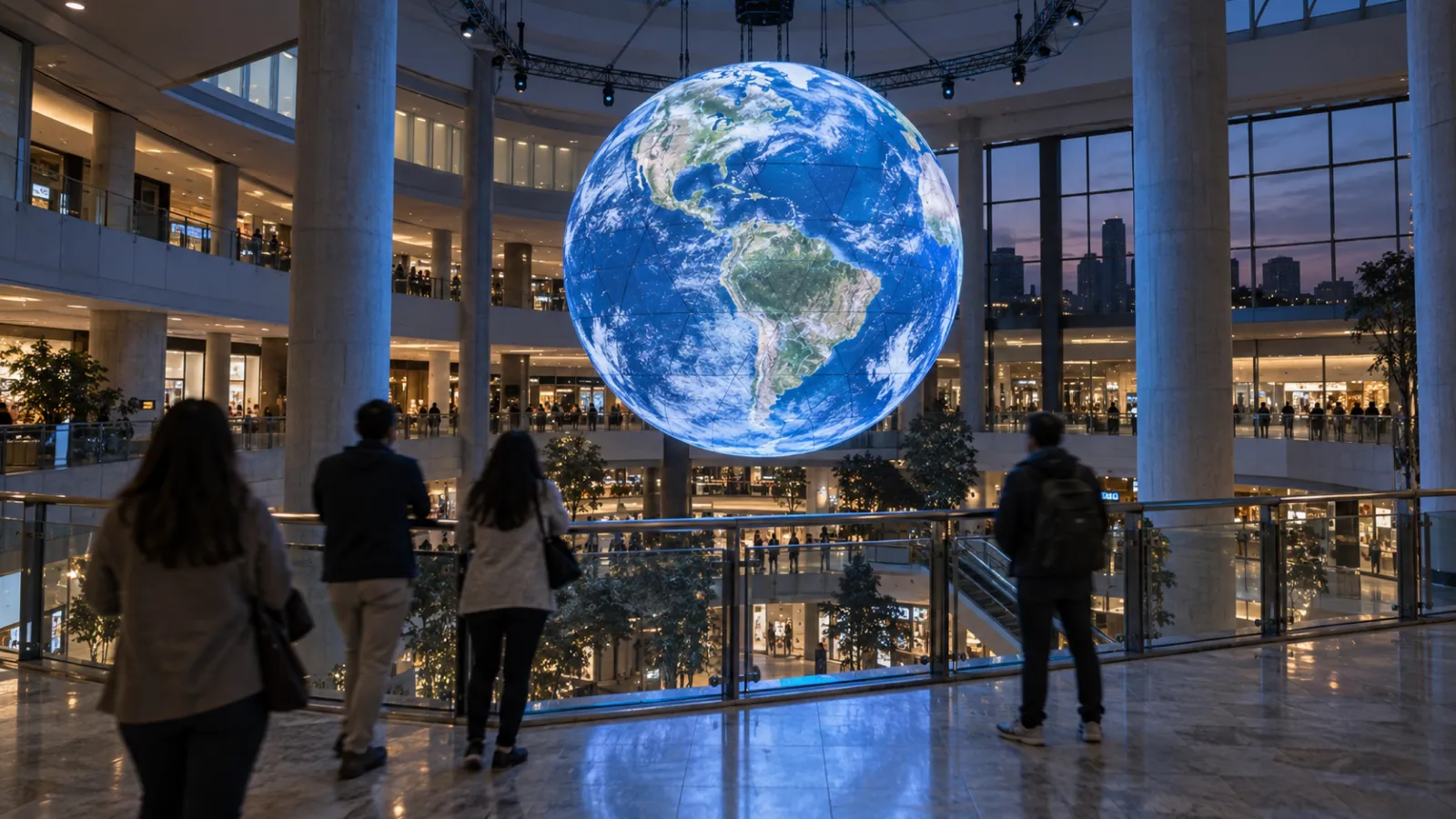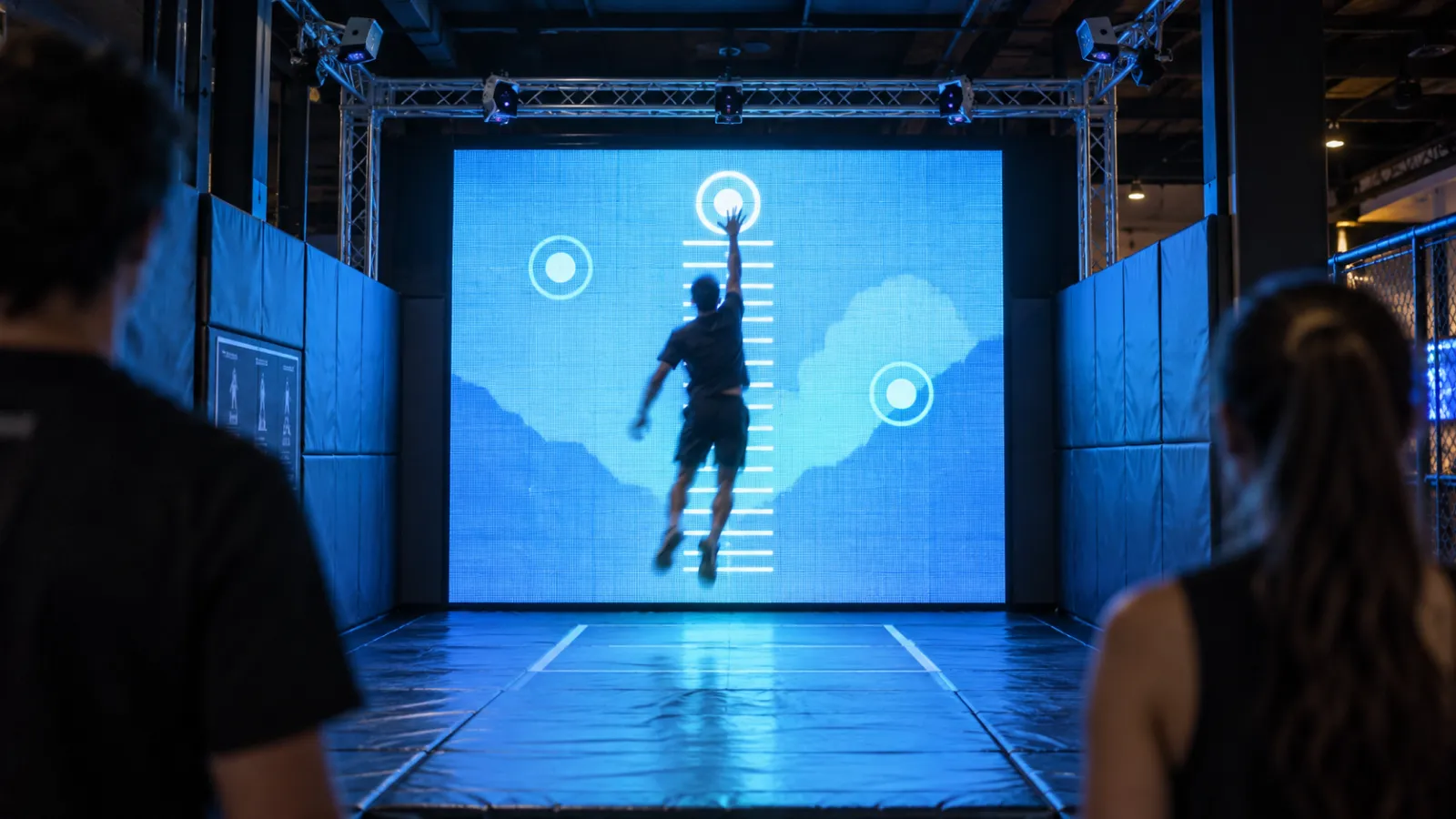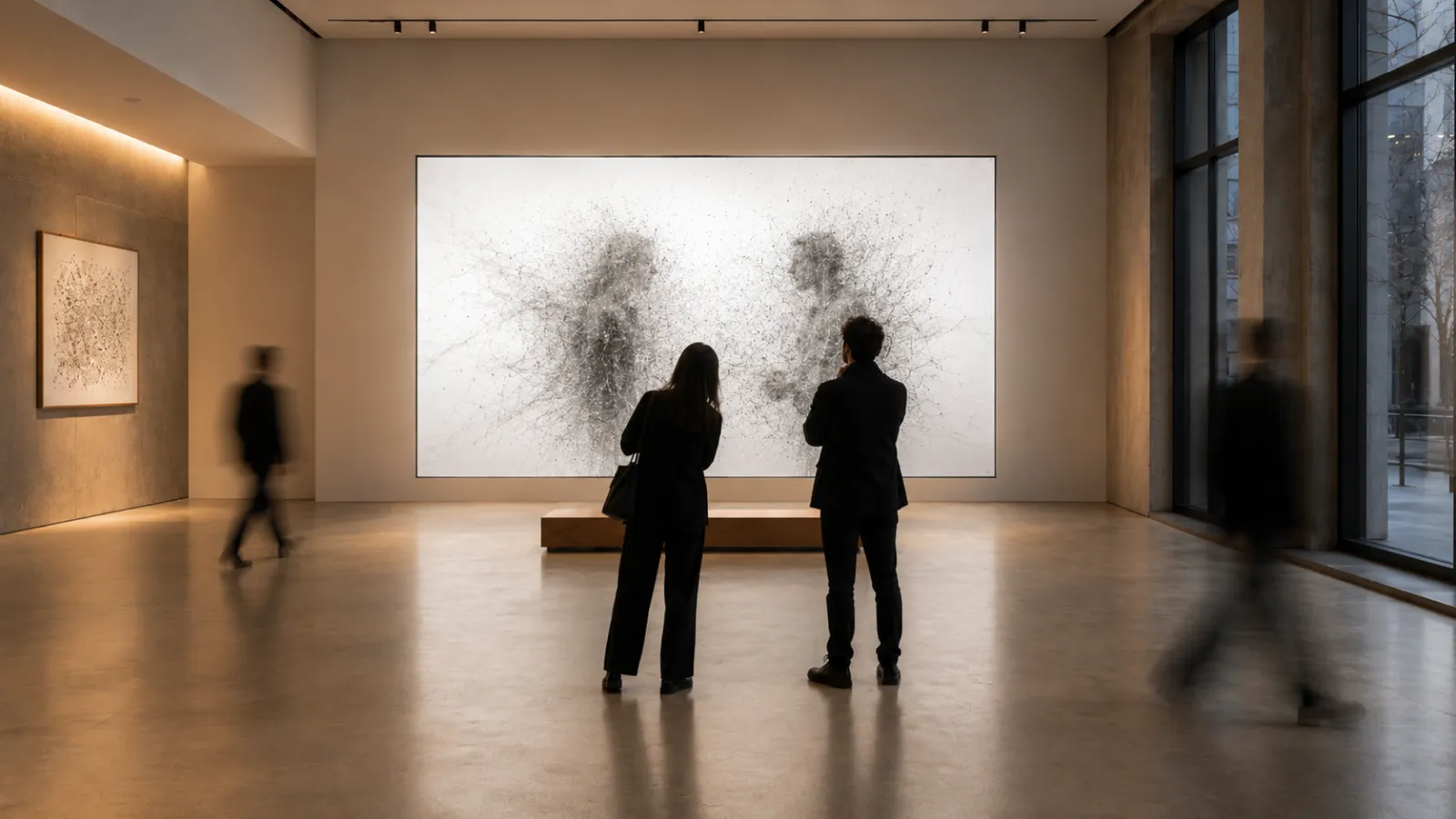
A point cloud you can fly through on a website is a finished object. A point cloud in a live installation is a performer — it has to render in real time, react to the people standing in front of it, and survive eight hours a day on a gallery floor.
This guide is about that second thing: using point clouds and Gaussian splats live and interactively in a physical space. Not a baked web fly-through, but real-time rendering driven by depth cameras, motion, and audio, and pushed out through projection mapping or LED. It's the intersection of two disciplines — 3D capture and interactive installation — and the constraints are very different from a web embed.
If you want the foundation — what Gaussian splatting is, how scenes are captured, and how to commission a static web viewer — read our Gaussian Splatting guide first. This article assumes that and goes straight to the live, in-the-room build.
Who this is for: Creative directors, museum and exhibition producers, experiential and event agencies, and technical artists evaluating point clouds or 3DGS for a live installation — gallery, museum, brand activation, stage, or projection-mapped space.
Key Takeaways
- Live ≠ web. A static splat viewer streams a baked scene to a browser. A live installation renders point clouds on dedicated on-site hardware, in real time, reacting to the room — a different engineering problem entirely.
- Interactivity comes from sensors. Depth cameras (Azure Kinect / Orbbec class), LiDAR, motion tracking, and audio analysis drive how the cloud moves, reveals, or deforms.
- Output is physical. Projection mapping, LED walls/volumes, and large-format displays — each imposes its own brightness, resolution, and calibration demands.
- Budget the frame, not the file. On-site you trade splat/point counts against a hard 60 FPS (or higher for some LED) frame budget. LOD and culling matter more than download size.
- Two source paths. Pre-captured splats (cinematic, controllable) vs. live-captured point clouds from on-site depth sensors (the visitor is the content). Many installations blend both.
- Cost range: A focused single-sensor projection piece starts around $25K–$60K; a multi-sensor, multi-surface signature installation runs $80K–$250K+, before hardware and venue.
- Tooling: TouchDesigner and Notch dominate live point-cloud work; Unreal/Unity for heavier real-time scenes; WebGPU now makes browser-grade real-time splatting viable for kiosk-style pieces.
1. What "Interactive / Real-Time Point Cloud" Actually Means
A point cloud is a set of points in space, each with a position and color. A Gaussian splat is a richer cousin — each point carries an oriented, soft "blob" of color and opacity, which is why splats look photoreal where raw clouds look sparse. (For the full definition and capture workflow, see the Gaussian Splatting guide — we won't repeat it here.)
The word that changes everything in this article is live. There are three ways a point cloud can show up in an experience, and only the last is what we're building:
| Mode | What it is | Where it runs | Reacts to people? |
|---|---|---|---|
| Baked web viewer | A pre-captured scene streamed to a browser to orbit/fly through | Visitor's device | No — fixed scene, user-controlled camera only |
| Real-time playback | A pre-captured cloud rendered live on-site, possibly animated | On-site GPU | Indirectly (timeline, triggers) |
| Interactive / sensor-driven | A cloud whose form, motion, or reveal is driven by live input | On-site GPU | Yes — directly, in real time |
When someone searches "create interactive point cloud for art installation projection mapping," they mean the bottom row. The cloud is not a thing you look at; it's a thing that responds.
2. Real-Time vs. Baked: The Core Tradeoff
This is the decision that shapes the whole project.
| Baked (web/video) | Real-time (live installation) | |
|---|---|---|
| Rendering | Pre-computed or streamed; predictable | Rendered every frame on-site; must hit frame budget |
| Interactivity | None to camera-only | Full — geometry can change per frame from sensor input |
| Quality ceiling | Very high (offline render time available) | Bounded by on-site GPU and frame budget |
| Failure mode | Slow load | Dropped frames, latency, sensor dropout — visible to the audience |
| Content | Fixed at capture time | Can incorporate the live visitor |
| Best for | Marketing, documentation, remote tours | Gallery, stage, activation, museum interactives |
The honest tradeoff: baked buys you quality, real-time buys you reaction. A baked Unreal render of a splat scene will always out-shine the same scene rendered live. But it can never dissolve because you walked toward it. If the brief includes the word "responds," "reacts," or "the visitor," you are in real-time territory and every other decision flows from the frame budget.
3. How Interactivity Works: Driving the Cloud
Interactivity means a sensor produces a signal, and that signal drives a parameter of the point cloud — position, color, size, opacity, emission, or which points are even visible. The common input layers:
| Input | Hardware (2026) | What it's good at | Watch-outs |
|---|---|---|---|
| Depth / skeleton | Azure Kinect (EOL — stock/used), Orbbec Femto, Intel RealSense | Body position, gesture, presence; live point-cloud capture of visitors | Kinect discontinued — plan sensor supply; IR interference between units |
| LiDAR / ToF | 2D safety LiDAR, solid-state ToF | Large-area presence, floor zones, crowd density | 2D gives position not pose; calibration to projection space |
| Camera / CV | RGB + on-device ML (pose, optical flow, segmentation) | Markerless tracking, silhouette extraction, hand tracking | Lighting-dependent; inference cost on weak hardware |
| Motion / IMU | Phones, wearables, tracked props | Per-visitor signal in a controlled flow | Onboarding friction; battery/logistics |
| Audio | Mic / line-in + FFT | Audio-reactive deformation, beat-synced reveals — cheap and robust | Crowd noise; needs a clean source for music pieces |
The dominant pattern for sensor-driven art is a depth camera feeding a real-time engine, where the visitor's body becomes a force field acting on the cloud — they push points aside, reveal hidden structure, or become the cloud as their own depth capture is splatted live. RGB-D depth sensing plus dynamic projection mapping is a well-established real-time pipeline; the art is in the mapping from signal to motion, not the sensing itself.
Latency is the whole game. A 16 ms (one-frame) lag feels alive; 80–100 ms feels broken. Budget your sensor read, processing, and render so total motion-to-photon stays under ~50 ms.
4. Output: Getting the Cloud Onto a Physical Surface
A live point cloud has to land somewhere in the room. The three workhorses:
| Output | Strengths | Constraints | Typical use |
|---|---|---|---|
| Projection mapping | Scales to architecture; transforms existing surfaces; relatively cheap per m² | Brightness vs. ambient light; needs dark-ish space; surface calibration; shadows from visitors | Walls, floors, objects, large rooms |
| LED wall / volume | Bright, sharp, works in lit spaces; high contrast for point/particle look | Cost per m²; pixel pitch limits fine detail; weight/rigging | Lobbies, stages, retail, daylight venues |
| Large-format display | Plug-and-play; reliable; calibration-free | Bounded size; bezels for multi-panel | Kiosks, single-screen interactives |
Point clouds and splats happen to love projection and LED: a sparse, glowing point field reads beautifully against black, and the additive, particle-like aesthetic hides the seams and falloff that plague textured video. For projection specifically, the same depth sensors that drive interactivity can also feed real-time surface calibration, keeping the mapping aligned as the scene or geometry shifts.
If projection mapping is new to you, our installation vs. projection-mapping comparison covers where each output medium fits.
5. Tooling & Pipeline
There is no single "point-cloud installation" app. You assemble a pipeline: a real-time engine, point-cloud/splat support, sensor I/O, and output/calibration. The current landscape:
| Tool | Role | Point-cloud / splat support | Best for |
|---|---|---|---|
| TouchDesigner | Node-based real-time engine; the default for installations | Native point-cloud TOPs/POPs; Gaussian-splat rendering now available | Sensor-driven, projection-mapped, audio-reactive pieces |
| Notch | Real-time motion/VFX, strong in live events | Particle & point-cloud systems; media-server integration | Stage, broadcast, large LED shows |
| Unreal Engine | Heavy real-time renderer | 3DGS plugins (e.g. XScene), Niagara particles | Cinematic real-time, complex scenes, XR |
| Unity | Real-time engine | Splat packages, VFX Graph point clouds | Custom interactive apps, multi-platform |
| WebGPU (custom) | Browser-grade real-time splatting | Real-time 3DGS renderers — see below | Kiosks, web-delivered interactives, lightweight on-site |
| openFrameworks / Processing | Creative-coding frameworks | Raw point clouds via depth SDKs | Bespoke, low-level control, research-y pieces |
On WebGPU: real-time splatting in the browser crossed the viability line in 2025. Open renderers like web-splat report >200 FPS on an RTX 3090 (and ~130 FPS on an 8-year-old GPU), and newer WebGPU engines push ~2–16 ms/frame on millions of Gaussians — 60–135× faster than the WebGL generation. That makes a browser a legitimate on-site runtime for kiosk-scale interactives, not just a remote viewer. For a signature projection piece driven by multiple depth cameras, though, TouchDesigner or Notch remains the pragmatic choice.
For the deeper Three.js/WebGPU performance playbook, see our Three.js best practices.
6. On-Site Performance & Technical Constraints
This is where live installations live or die. A web viewer can drop to 30 FPS on a phone and nobody notices. A projected installation that stutters in front of a crowd has failed publicly.
The frame budget is the constraint. At 60 FPS you have 16.6 ms per frame for everything: sensor read, signal processing, simulation, sort, render, and output. Splats must be depth-sorted every frame as the camera or geometry moves — that sort is often the bottleneck, which is exactly why GPU compute (WebGPU / engine compute shaders) matters on-site.
Rough planning numbers for a single on-site GPU (RTX 4070/4080-class):
| Scene scale | Points / splats | Realistic target | Notes |
|---|---|---|---|
| Intimate / single surface | up to ~1M | 60 FPS comfortable | Room for heavy interactivity |
| Standard installation | 1–4M | 60 FPS with LOD + culling | Most projection pieces |
| Large / high-res LED | 4–8M | 60 FPS needs tuning, maybe dual-GPU | Sorting + fill-rate bound |
| Multi-surface / multi-output | 8M+ | Split across machines / media servers | Sync becomes the hard problem |
Levers when you blow the budget: reduce point count (downsample), aggressive frustum/opacity culling, LOD tiers, lower the projection/render resolution, simplify the per-point shader, or split rendering across machines. What you don't do is ship raw 10M-splat captures to a live show — same lesson as web optimization, higher stakes.
Other on-site realities: dedicated machine per output is safest; plan thermals for 8-hour days; have a watchdog/auto-restart; and always build a graceful idle/attract loop and a sensor-dropout fallback so the piece never shows a frozen frame or an error.
7. Live-Capture vs. Pre-Captured Splats
Where do the points come from? Two philosophies, often combined:
| Pre-captured splats | Live-captured point cloud | |
|---|---|---|
| Source | 3DGS capture of a place/object, done in advance | On-site depth cameras capturing the room/visitor in real time |
| Look | Photoreal, art-directed, stable | Rawer, sparser, lower per-frame fidelity |
| The visitor | Acts on the scene (force, reveal) | Becomes the scene (their own cloud is rendered) |
| Risk | Capture quality fixed up front | Sensor noise, lighting, calibration live |
| Feels like | A world you enter | A mirror that dissolves |
The most striking pieces blend the two: a pre-captured, art-directed splat environment that the visitor's live depth capture disturbs, merges into, or reveals. Pre-captured gives you control and beauty; live capture gives you the uncanny "that's me" moment that makes people stay.
8. Cost & Effort
Live installations are priced by complexity — number of sensors, number of output surfaces, bespoke interaction design, and on-site commissioning — not by minutes of content. Indicative 2026 ranges (creative/engineering scope; hardware and venue separate):
| Tier | Scope | Indicative cost (USD) | Timeline |
|---|---|---|---|
| Focused | One sensor, one surface, one clear interaction | $25K–$60K | 6–10 weeks |
| Signature | Multiple sensors, projection mapping or LED, bespoke interaction & content | $80K–$250K | 12–20 weeks |
| Flagship | Multi-room, multi-surface, live + pre-captured blend, custom hardware | $250K+ | 20+ weeks |
Hardware to budget separately: projectors or LED (often the single biggest line item), on-site GPUs/machines, depth sensors, mounts/rigging, and spares. Don't forget commissioning: on-site calibration, tuning interaction in the real room, and a contingency for the gap between "works in the studio" and "works on the floor" — typically 15–25% of effort and routinely underestimated.
For how installations earn back that spend, see interactive installation revenue models.
9. Real Installation Examples
A few touchstones for the live point-cloud aesthetic and what they demonstrate:
- Ryoji Ikeda — the reference point for data- and point-driven audiovisual installations. Works like data-verse and the transfinite turn vast datasets into immersive point/particle fields synced to sound across monumental projection surfaces — the canonical "points as material" language.
- Depth-camera body pieces — a lineage of installations (from openFrameworks/Kinect experiments onward) where a depth sensor captures a performer or visitor and renders them as a live point cloud, often projection-mapped. The technical pattern — RGB-D capture → real-time point cloud → projection — is well documented in both art and research.
- TouchDesigner splat experiments — the community's 2025 work bringing Gaussian splats into TouchDesigner's point operators (documented here) shows the now-standard live pipeline: a captured splat scene, manipulated and rendered in real time alongside sensor input.
Use these as a vocabulary, not a template — the work that lands is the one whose interaction is specific to its space and audience.
10. Common Pitfalls
- Treating it like a web viewer. Web optimization habits help, but on-site is a real-time rendering problem with a hard frame budget and physical output — plan for that, not for download size.
- No fallback state. Sensors drop out, machines hiccup. Without an attract loop and a sensor-loss fallback, the audience sees a frozen frame or an error. Build these first, not last.
- Underestimating commissioning. It always behaves differently in the real room — ambient light, surface, crowd shadows, IR interference. Budget on-site days and a contingency.
- Latency creep. Each layer (sensor → processing → render → output) adds milliseconds. Measure motion-to-photon early; an interaction that lags doesn't feel interactive.
- Over-scoping the cloud. A 10M-splat scene that drops frames is worse than a 2M-splat scene that holds 60 FPS. The room reads smoothness before it reads detail.
- Single point of failure. One machine driving everything, no spares, no watchdog — fine in a demo, a liability in a month-long exhibition.
11. Why Utsubo
This article sits at the exact intersection of two things Utsubo does — Gaussian splatting and interactive installations — which is rarer than it sounds. Most splat shops build web viewers; most installation studios don't touch point clouds. We do both, which means we can take a captured splat scene and make it react in a physical room.
We're an Osaka-based creative studio with a foreign-led team, recognized with 12× FWA and 7× Awwwards for real-time and interactive work. Our interactive Hokusai installation at Expo 2025 Osaka is a live example of the pattern in this guide — a body-driven particle field where visitors control the motion in real time, exhibited on the floor of a world's fair.
If you're scoping a live point-cloud piece, we can help you make the real-time-vs-baked call, choose the sensor and output stack, and build something that survives a public floor.
Get Started with an Interactive Point-Cloud Installation
Whether you have a space and a brief, or just a sense that point clouds are the right material for your idea, we're happy to talk it through.
Book a 30-minute project discussion to pressure-test the concept, the interaction, and the technical approach, and to find out whether we're the right fit.
- Book a call:cal.com/utsubo/30min
FAQs
What's the difference between an interactive point-cloud installation and a Gaussian splatting web viewer? A web viewer streams a pre-captured, baked scene to a browser, where the only interaction is moving the camera. An interactive installation renders point clouds live on dedicated on-site hardware, in real time, and changes the cloud itself in response to sensors — what visitors do physically alters what they see.
What hardware drives the interactivity? Most commonly depth cameras (Orbbec, Intel RealSense, or the now-discontinued Azure Kinect) for body and gesture, plus LiDAR for large-area presence, RGB cameras with on-device ML for markerless tracking, and audio input for sound-reactive pieces. The sensor produces a signal that drives a parameter of the point cloud.
Can I use Gaussian splats live, or only static point clouds? Yes, splats can run live. Engines like TouchDesigner, Notch, Unreal, and Unity now render Gaussian splats in real time, and WebGPU makes browser-based real-time splatting viable. The constraint is the per-frame depth sort and your on-site GPU, not the splat format itself.
How many points or splats can I render live? On a single modern GPU (RTX 4070/4080-class), plan for roughly 1–4 million points at a comfortable 60 FPS with level-of-detail and culling. Larger or higher-resolution scenes push 4–8M and need tuning or multiple machines. Smoothness matters more to the audience than raw point count.
Projection mapping or LED — which should I use? Projection mapping is cheaper per square meter and transforms existing architecture, but needs a darker space and careful calibration. LED is brighter, sharper, and works in lit venues, but costs more and has a pixel-pitch limit on fine detail. The point-cloud aesthetic reads well on both because it glows against black.
What does an interactive point-cloud installation cost? A focused single-sensor, single-surface piece typically runs $25K–$60K in creative and engineering scope. A multi-sensor signature installation with projection or LED runs $80K–$250K+. Hardware (projectors/LED, GPUs, sensors) and venue costs are separate, and on-site commissioning should be budgeted explicitly.
How long does a project take? A focused piece is roughly 6–10 weeks; a signature installation 12–20 weeks; a flagship multi-room piece 20+ weeks. On-site commissioning — calibrating and tuning the interaction in the real room — is a distinct phase that's routinely underestimated.
What happens if a sensor fails during the exhibition? A well-built installation never shows a frozen frame or an error. It runs an attract/idle loop when no one is present and falls back gracefully if a sensor drops out, with a watchdog that auto-restarts the runtime. These states should be designed first, not bolted on at the end.


 Osaka Interactive Installation Studio