Most product pages are a gallery and a buy button. A grid of flat photos, a price, a size dropdown — the same template the whole category has used for fifteen years. It works, in the sense that a spreadsheet works: it holds the information. What it doesn't do is let a shopper handle the product the way they would in a store — turn it over, open it, try it in a color, see it in their own space, understand why it costs what it costs. That gap between browsing and handling is where a lot of considered purchases quietly stall.
This guide is about closing that gap on the web — not with a physical in-store installation, but in the browser, on the product page and the campaign site, on the phone in someone's hand. Interactive retail on the web means the shopper can rotate a 3D product, configure it, place it in their room with AR, or move through a shoppable scene rather than scroll a static PDP. It's a distinct thing from an in-store interactive wall (for that, see the interactive retail installations guide); this one lives entirely in the browser and is measured in conversion, not footfall.
It's written for the people who commission that work — not the engineers who build it. What each format buys you, when it beats a flat page, what it costs, and when a plain PDP is honestly the smarter call.
Who this is for: E-commerce, brand, and marketing leaders deciding whether to put interactive 3D on their product pages or campaign sites; DTC founders weighing a premium product experience against a standard storefront; and agencies scoping and budgeting a web-based interactive retail build.
Key Takeaways
- Interactive retail on the web is browser-based product experience — 3D viewers, configurators, AR try-on/try-in-room, and shoppable scroll scenes — not an in-store installation. It's measured in conversion and engagement, not foot traffic.
- It earns its cost on considered, visual, or configurable purchases — furniture, watches, sneakers, eyewear, electronics, anything a shopper wants to handle or personalize before buying. For low-consideration commodity goods, a fast flat page usually wins.
- There are four practical formats: interactive 3D product viewers, configurators, AR (view-in-room / try-on), and shoppable 3D scenes — each trading production effort against how much friction it removes from the decision.
- The evidence that moves buyers is conversion and return-rate, not "engagement." 3D/AR product experiences are consistently reported to lift conversion and reduce returns on the right categories — but the number to trust is your own A/B test, not a vendor's headline.
- Performance is the whole game on mobile. Most retail traffic is mobile; an interactive experience that's slow to load or janky converts worse than the flat page it replaced. A mobile plan and a graceful fallback are non-negotiable line items.
- Budget follows the premium-website ladder: ~$20K–$50K for one interactive 3D product moment, $50K–$100K for an integrated experience across key products, $100K–$200K+ for a full shoppable brand world — plus a $15K–$80K custom-3D adder and asset-creation cost per product.
1. Why the Flat Product Page Leaves Money on the Table
A static PDP does one job well: it lists facts. The problem is that for a whole class of products, the facts aren't what close the sale — the feel is.
1-1. Online shoppers can't handle the product
In a store, a shopper picks the thing up. They turn the watch to catch the light, open the laptop hinge, feel the weight, hold the fabric to a window. That handling is how they build enough confidence to spend. Online, all of that collapses into a few photographs and a paragraph of copy. For a $30 commodity, that's fine — nobody needs to handle a phone charger. For a $600 chair or a $3,000 watch, the missing handling is exactly the friction that sends the shopper to "I'll think about it" (and often nowhere).
1-2. Configurable products are hard to imagine flat
If a product comes in finishes, materials, sizes, and add-ons, a flat page has to either shoot every combination (expensive, and still incomplete) or ask the shopper to imagine the combination they want. Imagination is a poor conversion tool. A configurator that shows the exact combination, live, removes the guesswork — and quietly raises average order value, because upgrades become visible instead of hypothetical.
1-3. "Will it fit / suit me?" goes unanswered
Two of the biggest return drivers in online retail are "it didn't fit my space" and "it didn't suit me." A flat page can't answer either. AR that places furniture in the actual room, or previews eyewear on the actual face, answers the question before the order — which is where a return costs nothing instead of eating the margin.
2. What "Interactive Retail on the Web" Actually Means
A quick disambiguation, because the phrase gets used for two different things.
- In-store / physical interactive retail — projection walls, LED, touch tables, sensor-driven displays inside a shop. Measured in dwell time and footfall. That's a separate discipline; the retail installations guide covers it.
- Web / digital interactive retail — the subject of this guide. Interactivity delivered in the browser: the shopper manipulates a 3D product, configures it, views it in AR, or moves through a shoppable scene, directly on the site. Measured in conversion, AOV, time-to-confidence, and return rate.
The rest of this guide is entirely the second one. When "interactive retail experience" is searched, the intent is usually mixed — but if you're commissioning a website, this is your half of it.
3. The Four Formats of Web Interactive Retail
Almost every web-based interactive retail build is one of these four, or a deliberate combination. They differ mainly in how much friction they remove versus how much production they demand.
3-1. Interactive 3D product viewer
A real 3D model of the product on the page — orbit it, zoom in, inspect the details, sometimes open or animate it. The web equivalent of picking it up off the shelf.
- Removes: the "I can't see it properly" friction. Great for products where craft, finish, or detail is the selling point.
- Costs: a production-quality 3D asset per product, plus the viewer build. Asset cost is the recurring variable — one hero product is cheap; a 200-SKU catalog is a pipeline decision.
- Best for: watches, footwear, electronics, appliances, jewelry — anything where detail sells.
How good the viewer needs to look is its own decision — a fast real-time model, or a render-quality one where the product's material and light have to look genuinely premium. The photorealistic 3D for the web guide covers that fidelity-vs-performance trade in depth; this section stays on which format to use, not how photoreal to make it.
3-2. Configurator
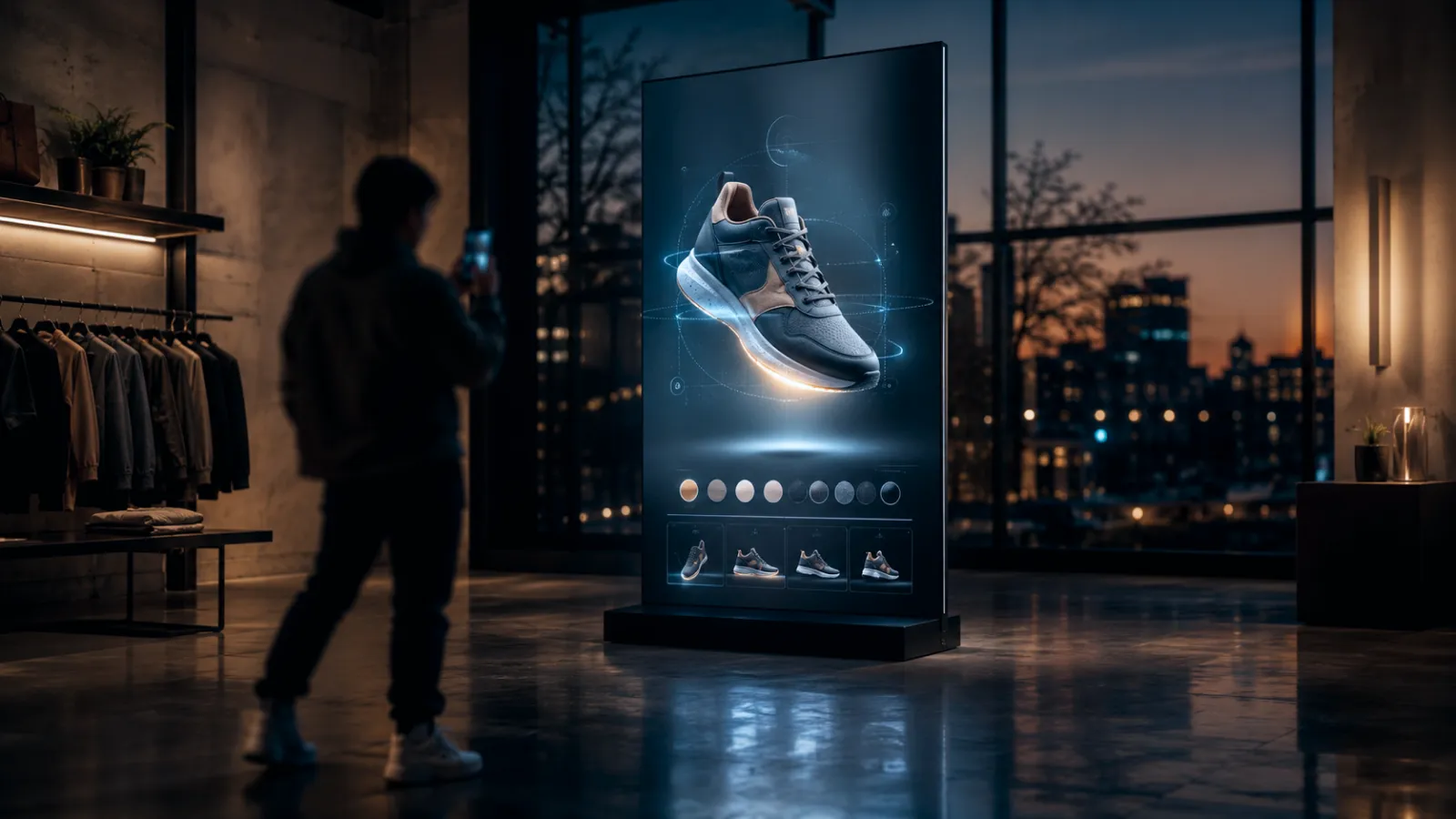
A live 3D product the shopper changes — color, material, components, engraving — seeing each choice rendered instantly. The classic driver of both confidence and average order value.
- Removes: the "I can't picture my version" friction, and makes upsells visible.
- Costs: the 3D asset plus configuration logic (rules for what combines with what, pricing per option, inventory tie-in). More engineering than a plain viewer.
- Best for: furniture, sneakers, cars, eyewear, bespoke and made-to-order goods, anything with meaningful variants.
3-3. AR: view-in-room and try-on
The shopper points their phone and sees the product in their actual space (furniture, appliances, art) or on their actual body (glasses, watches, makeup, apparel). Runs in the browser on modern phones — no app install needed for most cases.
- Removes: the two biggest return drivers — "wrong for my space" and "wrong for me."
- Costs: an AR-ready 3D asset per product (plus accurate scale and materials); try-on adds face/body tracking and per-category tuning.
- Best for: furniture and décor (view-in-room), eyewear/watches/jewelry/beauty (try-on). The clearest return-rate story of the four.
3-4. Shoppable 3D scene
The product lives inside a designed, navigable 3D world or scroll-driven scene — a virtual room, a branded environment, a story you move through — with buy points woven in. This is the "experience" end of the spectrum, closer to a campaign than a catalog.
- Removes: the "this feels like everyone else's store" problem — it's a brand and storytelling play as much as a conversion one.
- Costs: the most of the four — scene design, multiple assets, choreography, performance engineering. Overlaps the immersive storytelling website and digital twin / brand-world patterns.
- Best for: flagship launches, hero products, brands whose differentiation is the experience.
4. Choosing a Format: Decision Framework
Most real projects combine formats — a 3D viewer that becomes a configurator, with AR on the product page and one shoppable hero for the launch. Use this to decide where each belongs.
| Format | What it removes | Production effort | Best-fit product |
|---|---|---|---|
| 3D viewer | "I can't see it properly" | Moderate (asset + viewer) | Detail-driven goods: watches, footwear, electronics |
| Configurator | "I can't picture my version" | High (asset + logic + pricing) | Variant-rich, made-to-order, high-AOV goods |
| AR (room / try-on) | "Wrong for my space / me" | Moderate–high (AR-ready assets) | Furniture, décor, eyewear, beauty, watches |
| Shoppable 3D scene | "This feels generic" | Highest (scene + choreography) | Flagship launches, brand-led hero moments |
The honest heuristic: if the shopper needs to understand the product, use a viewer or AR. If they need to personalize it, use a configurator. If they need to feel the brand, build a scene. And if the product is a low-consideration commodity, use a fast flat page and spend the money elsewhere — see §7.
Context:
- Product / category: [fill in]
- Price point and consideration level (impulse buy / considered / high-ticket): [fill in]
- Does it come in variants (colors, materials, sizes, add-ons)? [fill in]
- Top return reasons today (if known): [fill in]
- Primary devices and audience: [fill in]
- Rough budget range: [fill in]
Please help me:
- Recommend a primary format (3D viewer / configurator / AR / shoppable scene) and why
- Say whether a combination fits better, and in what order to build it
- Flag whether a flat page is actually the smarter call for this product
5. Does It Actually Convert? Reading the Evidence Honestly
The category is full of impressive-sounding stats — conversion lifts, engagement multiples, return reductions. Some are real; many are cherry-picked from ideal conditions. Here's how to read them.
- The strongest, most repeatable finding is on returns and confidence for AR/3D on considered, fit-or-space-dependent products. When a shopper can see furniture in their room or glasses on their face, they buy with more certainty and send back less. That's a margin story, not a vanity metric.
- Conversion lift is real but conditional. It shows up when the interactive format removes a genuine friction (handling, imagining a variant, judging fit). Bolting a 3D viewer onto a product nobody struggled to understand moves nothing — and if it slows the page, it hurts.
- "Engagement" alone is a trap. Longer time-on-page and more interactions feel like success and can coexist with flat or worse conversion. Measure the outcome (add-to-cart, purchase, return rate), not the activity.
The only number you should fully trust is your own A/B test. Ship the interactive experience to half your traffic on one category, hold the flat page for the other half, and measure conversion, AOV, and returns over a real window. Any vendor unwilling to be measured that way is selling engagement, not results. (For the broader "how do I justify this to finance" case, the website redesign ROI guide has the framework.)
6. Performance & Mobile Reality
This is where web interactive retail lives or dies, and where most disappointing builds go wrong.
- Retail traffic is overwhelmingly mobile, and 3D/AR is heaviest exactly there. An interactive experience that takes seconds to load, or stutters, converts worse than the flat page it replaced — you've added friction, not removed it.
- The 3D can't block the sale. Text, price, and the buy button must render immediately; the heavy 3D loads after, so the page is shoppable the whole time. Never gate "add to cart" behind a 3D bundle.
- Every experience needs a fallback. On a device that can't run the 3D/AR smoothly, fall back gracefully to a great photo set. The floor is "as good as the flat page," never worse.
- It affects discoverability too. A heavy canvas with no fast content hurts Core Web Vitals, which hurts ranking — the WebGL & Three.js SEO guide covers deferring the bundle and worker-side loading. We won't repeat it here.
Performance is a requirement in the brief, not a cleanup pass at the end. "It's beautiful on the design laptop" is not a passing grade.
7. When a Flat Page Is the Smarter Call
Interactive retail is a tool, not a virtue. Skip it — and spend the budget on merchandising, speed, or photography instead — when:
- The product is low-consideration. Nobody needs to rotate a pack of batteries. Speed and price win.
- There are no meaningful variants and no fit/space question. If a great photo answers everything, a 3D viewer answers nothing new.
- You can't fund quality 3D assets. A mediocre 3D model looks worse than a good photograph and actively lowers trust — see the "built with AI" trust signals guide for how cheap-looking 3D reads.
- Your traffic is on low-end devices or poor connections. If the experience can't run well for your actual audience, the flat page is the honest choice.
- You'd be doing it to look innovative. "Competitors have 3D" is not a friction. Removing a real shopper friction is the only reason that pays back.
8. How to Commission It
Web interactive retail sits on the premium-website cost ladder — it's a high-fidelity, integrated build, not a separate category. Ranges depend on format(s), how many products get assets, configuration complexity, and language count. For broader context, see the Premium Website Cost Guide.
| Scope | Range | What you get |
|---|---|---|
| One interactive product moment | $20K–$50K | A single hero product as a 3D viewer, AR view, or simple configurator on an otherwise standard build — one focused interaction, CMS, SEO. |
| Integrated interactive retail | $50K–$100K | Interactive 3D/AR across your key products, or a configurator with real pricing/inventory logic, headless CMS, 90+ Lighthouse, mobile-tuned. |
| Full shoppable brand world | $100K–$200K+ | Navigable 3D scenes, multiple products, custom interactions, multi-market, dedicated performance engineering. Overlaps the digital twin / brand-world guide. |
On top of the base:
- Custom 3D / WebGL adder: +$15K–$80K depending on scene complexity and interactivity — usually the largest single variable.
- 3D asset creation per product: the recurring cost that scales with catalog size — one hero SKU is minor; a full catalog needs a repeatable capture/modeling pipeline. How you capture matters — see the capture-method commissioning guide.
- Multilingual: +30–50% per language.
What to ask a studio:
- Which format(s) do you recommend for this product, and which real friction does each remove?
- How will it perform on a mid-range phone on average mobile data — show me, don't tell me.
- What's the fallback when the device can't run the experience, and is it at least as good as the flat page?
- How do we produce 3D assets at the scale of our catalog, and what does each one cost?
- Will you A/B test it against the flat page and be measured on conversion and returns?
9. About Utsubo
Utsubo is a creative-technology studio specializing in real-time 3D on the web and interactive experiences. We build WebGL/WebGPU brand experiences with production-grade performance engineering — our own IVRESS brand experience, a cinematic WebGPU site with a WebGL fallback and TSL shaders across both backends, was named FWA Site of the Month and recognized by the CSS Design Awards.
For retail specifically, we treat fidelity and performance as equal deliverables — a beautiful product viewer that's slow on a phone is a failed product viewer. We build interactive 3D viewers, configurators, and shoppable scenes, and run our own Gaussian-splat renderer for photoreal captured products that can mix with built-3D and be relit — useful when a real product's material has to look genuinely real on the page rather than modeled. The point is to match the format to the shopper's actual friction, not force every product through the same template.
If you need a real-time 3D partner who ships interactive retail that converts on real phones, that's the work we do.
10. Let's Talk
Building an interactive product experience for the web? We work with teams on 3D product viewers, configurators, AR, and shoppable brand experiences.
If you're exploring a partnership, let's discuss your project:
- What you're building and the constraints you're working with
- Which format makes sense for your products and your shoppers
- Whether we're the right fit to help you execute
11. Checklist
- Identified the specific shopper friction the experience must remove (handling / variants / fit / brand feel)
- Confirmed the product is considered/visual/configurable enough to justify it (not a commodity)
- Primary format chosen (3D viewer / configurator / AR / shoppable scene)
- Combination and build order decided if using more than one
- 3D asset production planned and costed at catalog scale
- Mobile performance budget and graceful fallback written into the brief
- A/B test defined against the flat page (conversion, AOV, returns)
- Languages and localized contact planned
- Studio shortlisted for web interactive retail (not just in-store installations or stock renders)
FAQs
What is an interactive retail experience on the web?
It's product interactivity delivered in the browser rather than in a store: the shopper can rotate a 3D product, configure its options, view it in their room or on their body with AR, or move through a shoppable 3D scene — directly on the product page or campaign site. It's distinct from an in-store interactive installation, and it's measured in conversion, average order value, and return rate rather than foot traffic.
How is this different from an in-store interactive installation?
An in-store installation (projection walls, LED, touch tables) lives in a physical shop and is measured in dwell time and footfall. A web interactive retail experience lives entirely in the browser, on the shopper's own device, and is measured in online conversion and returns. They're complementary but separate builds — this guide is about the web one.
Does interactive 3D actually increase conversion?
It does when it removes a genuine friction — letting a shopper handle a detail-driven product, picture a configured variant, or judge fit and space with AR. The most repeatable result is reduced returns and higher confidence on considered purchases. It does not help when bolted onto a product nobody struggled to understand, and it hurts if it slows the page. The number to trust is your own A/B test against the flat page.
Which products are worth building an interactive experience for?
Considered, visual, or configurable goods: furniture, watches, footwear, eyewear, jewelry, electronics, appliances, made-to-order products. Low-consideration commodities with no variants and no fit question are better served by a fast flat page.
Do shoppers need to install an app for AR?
For most cases, no — modern browsers on current phones support view-in-room and try-on AR directly on the web page. That's a major advantage of web-based interactive retail over app-based AR: no install friction between the shopper and the try-on.
Will it work well on phones?
Only if it's built to. Retail traffic is mostly mobile and 3D/AR is heaviest there, so every experience needs a mobile performance budget, deferred loading (so price and buy-button appear instantly), and a graceful fallback to great photos on devices that can't run it. Done wrong, an interactive page converts worse than the flat page it replaced.
How much does a web interactive retail experience cost?
It sits on the premium-website ladder: roughly $20K–$50K for one interactive product moment, $50K–$100K for an integrated experience across key products, and $100K–$200K+ for a full shoppable brand world — plus a $15K–$80K custom-3D adder, per-product 3D asset creation that scales with catalog size, and +30–50% per extra language.
When should we NOT build one?
When the product is a low-consideration commodity, when a good photo already answers every question, when you can't fund quality 3D assets (bad 3D looks worse than good photography), when your audience is on low-end devices or poor connections, or when the only reason is to look innovative. Removing a real shopper friction is the only justification that pays back.


 Technology-First Creative Studio