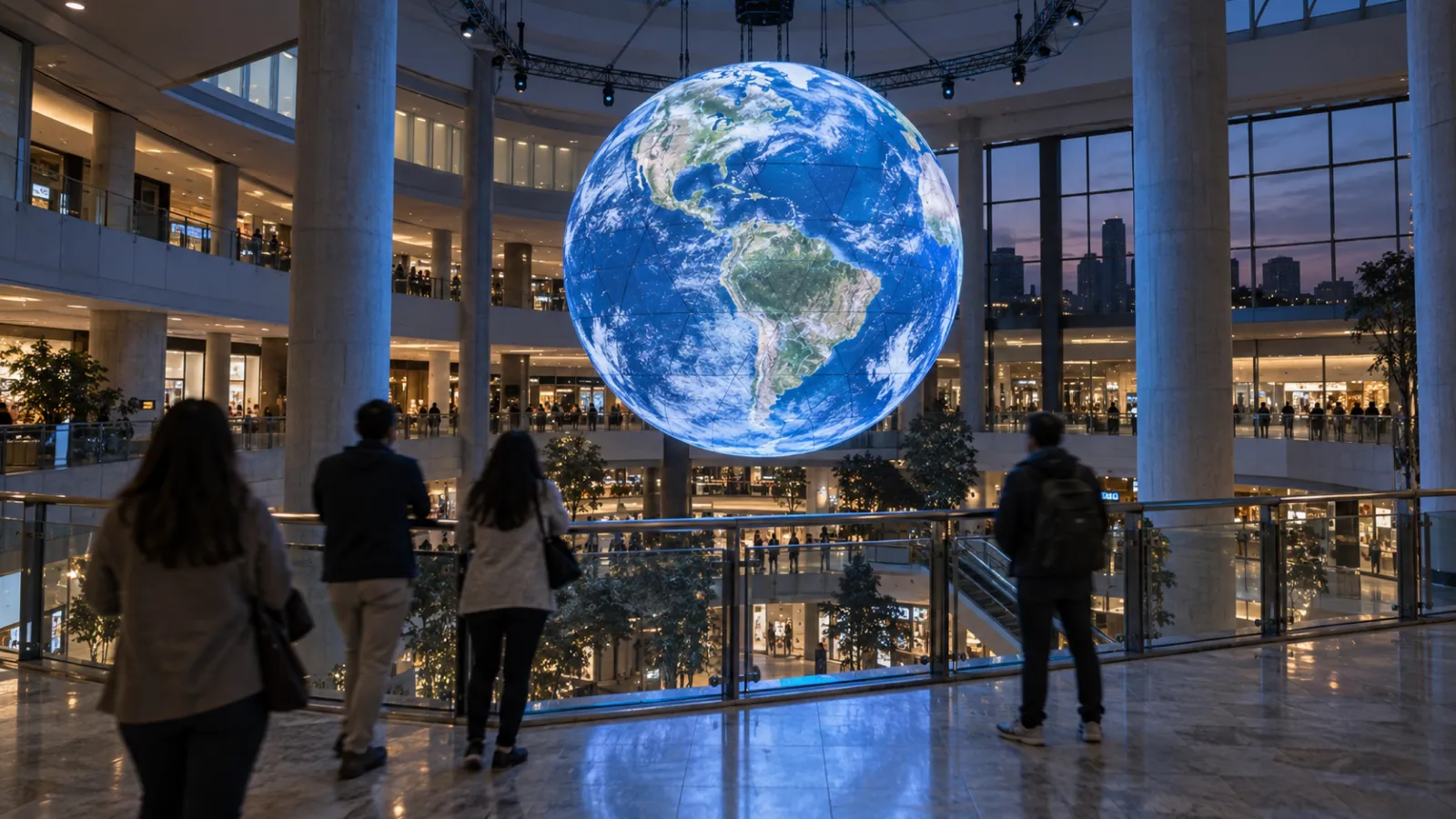
Digital signage is everywhere—lobbies, airports, retail floors, transit stations. It works. But as venues compete for attention and measurable engagement, decision-makers are asking whether passive screens are enough.
Interactive installations occupy a different category entirely. Instead of broadcasting messages to passersby, they create personalized experiences that visitors choose to engage with—and that generate data you can act on.
This guide breaks down the real differences between digital signage and interactive installations: what each costs, how engagement compares, and which technology fits your venue, audience, and goals. If you're evaluating an upgrade from signage to something more engaging—or trying to decide which approach to invest in first—this is where to start.
Who this is for: Facility managers, marketing directors, retail brand managers, museum and hospitality decision-makers, and AV integrators evaluating display technology options.
Key Takeaways
- Digital signage is cost-effective for broadcast messaging ($5K–$50K per screen network), but viewer attention averages 2–5 seconds and drops further without content rotation.
- Interactive installations cost $40K–$200K+ but deliver 4–8x longer dwell times and generate granular visitor data that signage cannot capture.
- 5-year total cost of ownership can favor interactive installations despite higher upfront cost, because content refresh costs are lower and analytics deliver ongoing ROI.
- The decision is venue-dependent: high-traffic broadcast environments favor signage; destination and exploration spaces favor interaction.
- Hybrid approaches—interactive zones within a signage network—are increasingly common and often deliver the best of both worlds.
1. Quick Comparison: Digital Signage vs Interactive Installation
| Factor | Digital Signage | Interactive Installation |
|---|---|---|
| User interaction | None (passive viewing) | Touch, gesture, presence, choices |
| Content model | Broadcast (one-to-many) | Personalized (one-to-one) |
| Best for | Wayfinding, ads, announcements, menus | Education, brand experience, data capture |
| Typical lifespan | 5–7 years (hardware) | 5–10 years (hardware + software) |
| Content updates | CMS-managed, can be real-time | CMS-managed, context-aware |
| Engagement metric | Impressions/views (estimated) | Dwell time, completions, conversions (measured) |
| Data capture | Limited (view counts via camera) | Rich (individual behavior, choices, paths) |
| Social sharing | Rare (<1% of viewers) | Common (40–70% in retail/museum contexts) |
| Maintenance | Low (screen + media player) | Low–Medium (sensors, calibration) |
| Cost range | $5K–$50K per network | $40K–$200K+ per experience |
2. What Is Digital Signage?
Digital signage is any electronic display used to present content to an audience. It operates on a broadcast model: one message goes out to everyone who passes by, managed through a CMS (content management system) that schedules and distributes media across screens.
2-1. Common Formats
- Single screens and video walls: Lobby displays, menu boards, promotional screens
- Wayfinding kiosks: Directory screens in malls, hospitals, and campuses
- Outdoor LED billboards: Large-format displays for advertising and public messaging
- DOOH (Digital Out-of-Home) networks: Coordinated screen networks across transit systems, retail chains, or urban environments
- Shelf-edge screens: Small displays at the point of purchase in retail
2-2. Key Characteristics
- Scalable: One CMS can manage hundreds or thousands of screens across locations
- Low per-unit cost: Individual screens and media players are commodity hardware
- Real-time content: Weather feeds, social media integrations, time-sensitive promotions
- Passive engagement: Content plays whether anyone watches or not
- Estimated metrics: Foot traffic cameras and sensors estimate viewership, but cannot measure individual engagement or outcomes
Digital signage is mature, well-understood, and effective for broadcast messaging at scale. The global installed base exceeds 30 million screens, and most people encounter digital signage dozens of times daily without thinking about it.
3. What Is an Interactive Installation?
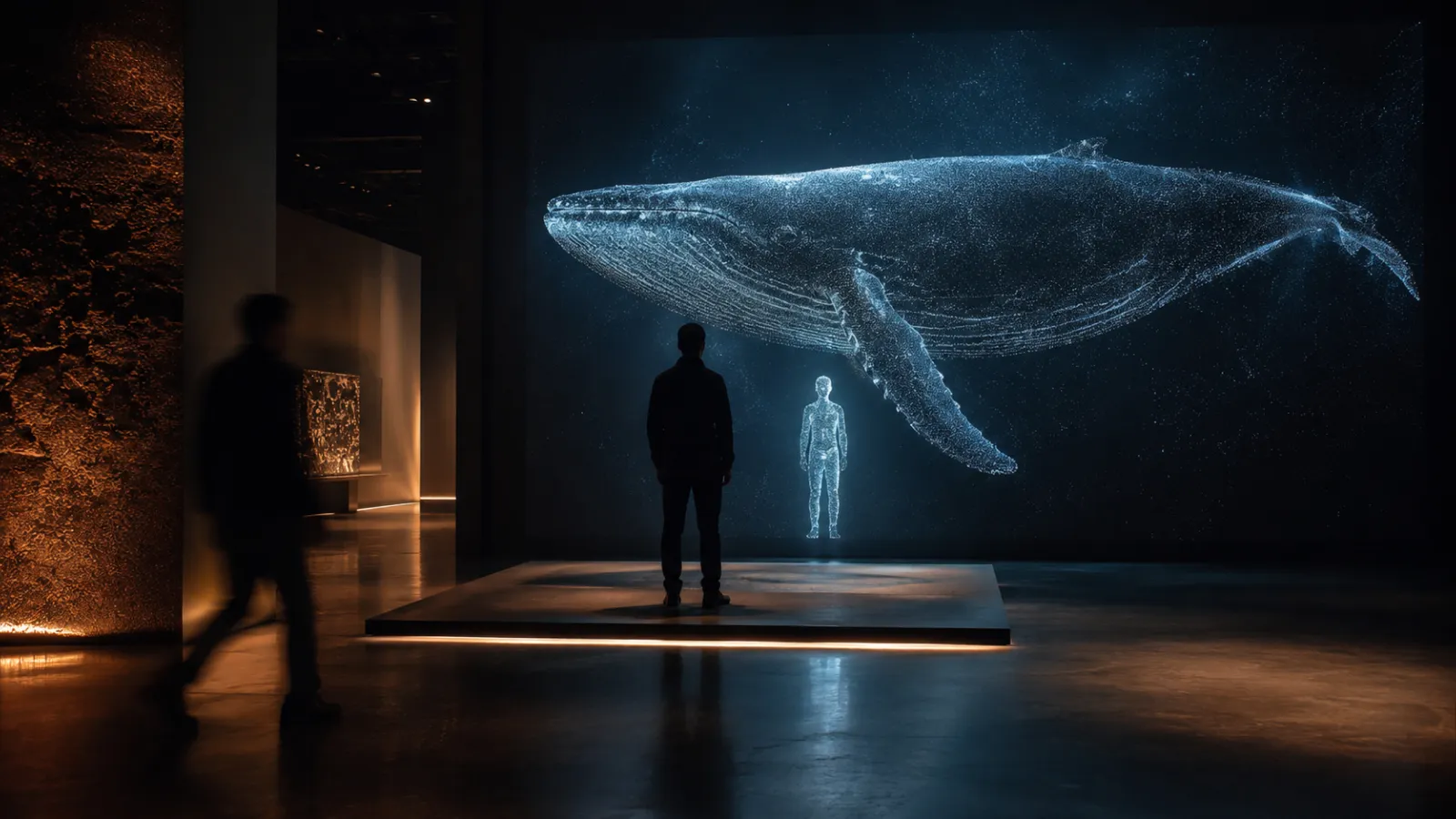
An interactive installation is a digital experience that responds to visitor input—touch, movement, presence, or choices—to create a personalized moment. Unlike signage, the visitor is an active participant, not a passive viewer.
For a deeper look at the art and history behind interactive experiences, see our interactive art guide.
3-1. Common Formats
- Touch walls and tables: Multi-touch displays for exploring content, browsing collections, or configuring products
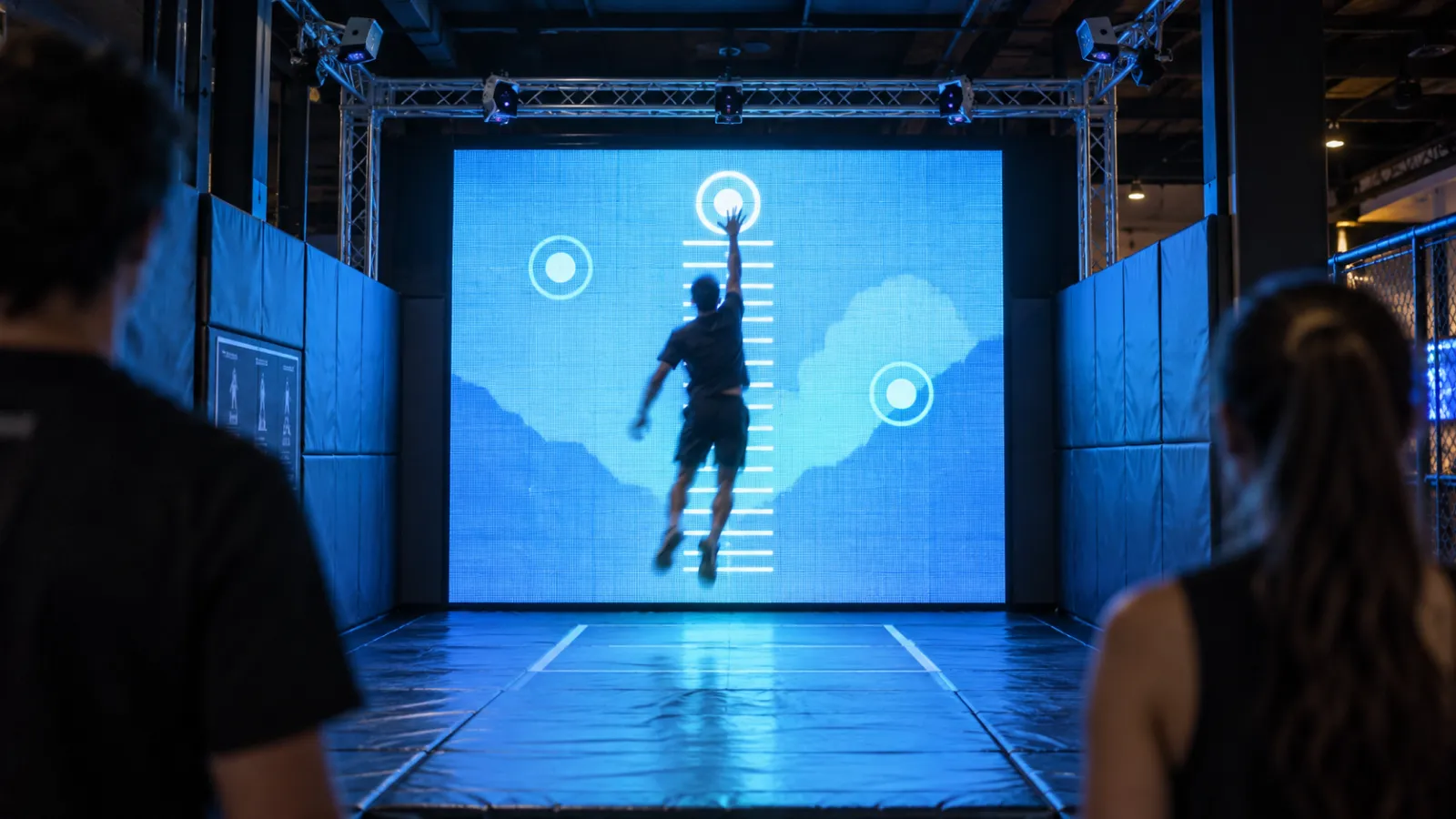
- Gesture-based experiences: Depth cameras or LiDAR track full-body movement to create visual responses
- Sensor-triggered environments: Visitors entering a zone activate content changes in lighting, sound, or projection
- Object-based interaction: RFID, NFC, or camera-tracked physical objects trigger digital responses
- Full-room immersive experiences: Floor-to-ceiling responsive environments that react to multiple visitors simultaneously
3-2. Key Characteristics
- Personalization: Each visitor's experience is unique based on their inputs and choices
- Measurability: Tracks dwell time, completion rates, content paths, choices made, and return visits at the individual level
- Durability: Commercial-grade hardware runs 12–24 hours daily for 5–10 years
- Deeper engagement: Visitors spend 45 seconds to 4+ minutes interacting, compared to 2–5 seconds glancing at signage
- Social currency: Shareable moments drive organic reach—40–70% of visitors share their experience in retail and museum contexts
Interactive installations excel when you need consistent, measurable engagement that builds visitor relationships over time.
4. Cost and Timeline Comparison
Understanding the true cost means looking beyond the initial build. Digital signage has lower upfront costs but demands continuous content investment. Interactive installations cost more to create but need less frequent content refreshes.
4-1. Digital Signage Costs
| Tier | Scope | Budget Range | Timeline |
|---|---|---|---|
| Entry | Single screen with CMS player | $2K–$10K | 1–2 weeks |
| Mid-range | Multi-screen network (5–20 screens) | $15K–$50K | 2–6 weeks |
| Premium | Video wall or LED array with custom content | $50K–$150K | 4–8 weeks |
| Enterprise | Building-wide DOOH network | $150K–$500K+ | 8–16 weeks |
Ongoing costs: $10K–$20K/year for content creation and rotation. Signage that never changes becomes "digital wallpaper"—studies show effectiveness drops 80%+ after 14 days without content refresh.
4-2. Interactive Installation Costs
| Tier | Scope | Budget Range | Timeline |
|---|---|---|---|
| Entry | Single interactive touchpoint | $40K–$80K | 8–12 weeks |
| Mid-range | Multi-station setup with sensors and CMS | $80K–$150K | 12–16 weeks |
| Premium | Room-scale or multi-zone experience | $150K–$300K+ | 16–24 weeks |
Ongoing costs: $5K–$10K/year for software updates, hardware maintenance, and periodic content refresh. Interactive content has longer shelf life because visitor-driven exploration keeps it fresh.
For the full breakdown of interactive installation pricing, see our interactive installation cost guide.
4-3. Total Cost of Ownership (5-Year View)
This is where the comparison gets interesting. A $50K signage network and a $100K interactive installation look very different upfront—but the gap narrows significantly over five years when you factor in content creation costs.
| Factor | Signage ($50K build) | Installation ($100K build) |
|---|---|---|
| Initial build | $50K | $100K |
| Annual content creation | $10K–$20K | $3K–$8K |
| Annual maintenance | $3K–$5K | $5K–$8K |
| 5-year total | $115K–$175K | $140K–$180K |
| Measurable data value | Low (estimated impressions) | High (individual analytics) |
The takeaway: when you factor in content creation costs, the 5-year TCO gap between signage and interactive installations is far smaller than the upfront price suggests. And interactive installations generate data that signage simply cannot—data that informs marketing, operations, and future investment decisions.
5. The Engagement Gap
This is the most significant difference between the two technologies—and the hardest to appreciate without experiencing it firsthand.
5-1. Attention and Dwell Time
| Metric | Digital Signage | Interactive Installation |
|---|---|---|
| Average attention | 2–5 seconds | 45 seconds – 4+ minutes |
| Content fatigue | Effectiveness drops 80%+ after 14 days without refresh | Content stays effective for months (visitor-driven exploration) |
| Stop rate | 10–30% of passersby glance | 60–85% of passersby stop and engage (museum context) |
| Return engagement | Same content, same reaction | 15–30% of visitors engage again on repeat visits |
5-2. Social Sharing and Word-of-Mouth
Digital signage rarely generates social sharing—less than 1% of viewers share what they see on a screen. Interactive installations, by contrast, create moments worth capturing. In retail and museum contexts, 40–70% of visitors photograph or share their interactive experience.
This organic social reach is a form of ROI that traditional signage metrics cannot capture. For more on how experiences drive economic value, see our experience economy guide.
5-3. Data Quality
Signage analytics estimate how many people might have seen a screen, based on foot traffic and camera data. The metrics are aggregate and impression-based.
Interactive installation analytics measure what each visitor actually did: which content they explored, how long they stayed, what choices they made, and whether they converted (signed up, scanned a QR code, shared on social media). This granular data improves the experience over time and ties directly to business outcomes.
6. Decision Scenarios by Venue Type
The right choice depends on your venue, audience, and goals. Here's how the comparison plays out across five common environments.
6-1. Museums and Cultural Venues
Choose digital signage when:
- Wayfinding and event schedules need to be updated frequently
- Donor recognition walls display rotating acknowledgments
- Temporary exhibitions need low-cost information displays
Choose interactive installations when:
- Visitors should explore content at their own pace
- Educational outcomes matter (learning time, information retention)
- Analytics will inform exhibit improvement and grant reporting
- The experience runs 6+ hours daily, 7 days a week
Hybrid example: Signage handles wayfinding and event schedules throughout the building, while interactive tables in galleries let visitors explore artifacts and stories in depth. The signage gets them to the right room; the installation creates the memorable moment.
For museum-specific engagement data and ROI, see our interactive museum installations guide.
6-2. Retail and Brand Spaces
Choose digital signage when:
- Product promotions need to rotate across the store
- Window displays should change for seasonal campaigns
- POS messaging drives impulse purchases
Choose interactive installations when:
- Product configurators let customers personalize items
- UGC stations drive social sharing and brand advocacy
- Customer data capture (preferences, sign-ups) is a priority
- Dwell time near key products matters
Hybrid example: Digital signage handles promotional messaging throughout the floor. An interactive product configurator near the entrance drives engagement and data capture. The signage broadcasts; the installation converts.
For retail-specific strategies, see our retail interactive installation guide.
6-3. Hotels and Hospitality
Choose digital signage when:
- Lobby information displays show check-in details and local weather
- Conference center schedules need real-time updates
- F&B promotions rotate across restaurant and bar screens
Choose interactive installations when:
- Guest personalization matters (language, local recommendations)
- 24/7 reliability without staff supervision is essential
- Social-sharing moments enhance the hotel's brand
- The lobby should feel "premium" and differentiated
Hybrid example: Signage handles conference schedules and restaurant promotions. An interactive lobby experience creates a memorable arrival moment and collects guest preference data.
For hospitality-specific guidance, see our hotel interactive installations guide.
6-4. Corporate Offices and Lobbies
Choose digital signage when:
- Company news, KPIs, or social feeds need to display in common areas
- Visitor welcome screens show meeting room information
- Employee communications rotate across campus screens
Choose interactive installations when:
- Brand storytelling should impress visiting clients
- Employer branding differentiates the workspace
- Data visualization makes company culture tangible
Hybrid example: Signage in hallways displays internal communications. An interactive brand wall in the lobby tells the company story to visitors and creates shareable moments for social recruiting.
For corporate-specific applications, see our corporate office installation guide.
6-5. Events and Temporary Activations
Choose digital signage when:
- Wayfinding and schedule displays need quick deployment
- Sponsor logos and messaging rotate across screens
- Budget is limited and the event is a single day
Choose interactive installations when:
- Lead capture and data collection are primary goals
- The brand activation needs to create shareable moments
- The hardware will be reused at future events
- Visitors should spend 2+ minutes engaging with the brand
Hybrid example: Signage handles wayfinding and sponsor visibility. An interactive station captures leads and creates social-sharing moments that extend the event's reach online.
For event-specific strategies, see our pop-up and event installations guide.
7. Technical Requirements Comparison
7-1. Infrastructure
| Factor | Digital Signage | Interactive Installation |
|---|---|---|
| Hardware complexity | Low (screen + media player) | Medium (displays + sensors + compute) |
| Network | Wi-Fi or ethernet for CMS updates | Ethernet preferred for reliability |
| Power | Standard outlets | Standard outlets (some sensors need PoE) |
| Cooling | Standard HVAC | Standard HVAC (compute hardware may need ventilation) |
| Lighting | Flexible (screens generate their own light) | Flexible (some gesture systems need controlled lighting) |
| Installation | Wall-mount or floor-stand (1–3 days) | Custom mounting, sensor placement, calibration (1–4 weeks) |
7-2. Content Management
Both technologies use CMS platforms, but with different demands:
- Signage CMS: Schedules and distributes media files to screens. Content rotation is the primary workflow. Well-established platforms include Scala, BrightSign, and Signagelive.
- Installation CMS: Manages interactive content, user flows, and data collection. Updates can change behavior and logic, not just media. Often custom-built for the specific experience.
7-3. Remote Management
Digital signage excels at remote management—one dashboard can monitor and update thousands of screens globally. Interactive installations can also be managed remotely for content updates, but sensor calibration and hardware diagnostics sometimes require on-site visits.
8. Analytics and Measuring ROI
8-1. Digital Signage Metrics
| Metric | What It Measures | Reliability |
|---|---|---|
| Proof of play | Content was displayed as scheduled | High |
| Estimated impressions | Foot traffic × visibility angle | Medium (modeled, not measured) |
| Audience demographics | Age/gender via camera analytics | Medium (privacy concerns limit deployment) |
| Dwell time | Time near screen (if camera-equipped) | Low–Medium |
ROI model: Cost per thousand impressions (CPM). Effective for advertising networks, but hard to tie to specific business outcomes like conversions or revenue.
8-2. Interactive Installation Metrics
| Metric | What It Measures | Reliability |
|---|---|---|
| Stop rate | % of passersby who engage | High (direct measurement) |
| Dwell time | Time actively interacting | High (direct measurement) |
| Completion rate | % who reach the experience endpoint | High |
| Path analysis | Which content was explored and in what order | High |
| Conversion | Sign-ups, QR scans, downloads, shares | High (direct measurement) |
| Return rate | Repeat visitors who engage again | Medium–High |
ROI model: Engagement × conversion × customer lifetime value. Directly attributable to business outcomes.
For a deeper ROI framework comparing digital and physical experiences, see our digital vs physical experience guide.
9. Hybrid Approaches: The Upgrade Path
If you already have digital signage, you don't need to replace everything. The smartest approach is often to keep signage for broadcast and add interactive installations at key decision points.
9-1. Model A: Add Interactive to Existing Signage
What: Keep your wayfinding and promotional screens. Add 1–2 interactive stations at high-value touchpoints (lobby, key product area, exhibit entrance).
Budget: $40K–$80K added to existing signage infrastructure.
Best for: Organizations that want to test interactive engagement without overhauling their display network.
9-2. Model B: Convert High-Value Touchpoints
What: Replace your most visible screen (lobby, flagship entrance) with an interactive experience. Keep everything else as signage.
Budget: $80K–$150K for the interactive conversion; existing signage remains unchanged.
Best for: Venues where one location disproportionately impacts visitor perception (hotel lobbies, corporate reception areas, museum entry halls).
9-3. Model C: Full Transformation
What: Redesign the entire visitor journey from passive to active. Signage remains for utilitarian messaging (wayfinding, schedules), while interactive experiences anchor every key moment.
Budget: $150K–$300K+ depending on venue size and complexity.
Best for: New builds, major renovations, or venues where competitive differentiation justifies the investment.
10. Common Pitfalls to Avoid
10-1. Treating Interactive Installations as "Fancy Signage"
If you build an interactive installation but load it with the same broadcast content you'd put on a sign, you've wasted your investment. Interactive installations need designed interactions—choices, exploration paths, personalization. The technology is only valuable when the experience design matches.
10-2. Underinvesting in Content for Signage
The most common signage failure isn't hardware—it's content stagnation. A $50K screen network showing the same slides for six months is worse than no screens at all. Budget $10K–$20K annually for content creation and rotation.
10-3. Over-Engineering When Signage Would Suffice
Not every display needs gesture tracking and data analytics. Wayfinding screens, menu boards, and schedule displays work perfectly as signage. Reserve interactive investment for moments where engagement and data actually matter.
10-4. Ignoring the Content Update Plan
For both technologies, "set it and forget it" is a recipe for irrelevance. Before choosing hardware, answer: "Who updates this content, how often, and with what budget?"
10-5. Not Measuring Anything
The most expensive mistake is installing technology and never measuring its impact. Define your success metrics before you build—then instrument accordingly. Signage should at minimum track proof-of-play and estimated impressions. Interactive installations should capture stop rate, dwell time, and conversions from day one.
11. About Utsubo
Utsubo is a creative studio specializing in interactive installations and immersive web experiences. We build sensor-driven, real-time 3D experiences for museums, retail brands, hotels, corporate spaces, and events.
We don't build digital signage—but we help clients determine when signage is sufficient and when interactive is worth the investment. Our goal is the right technology for the right moment, not the most expensive option.
12. Let's Talk
Evaluating whether to upgrade from digital signage to interactive installations? We work with teams on interactive experiences, product configurators, and immersive brand projects.
If you're exploring a partnership, let's discuss your project:
- What you're building and the constraints you're working with
- Which technical approach makes sense for your goals
- Whether we're the right fit to help you execute
13. Decision-Maker Checklist
- Defined the primary goal: broadcast messaging, visitor engagement, or data capture
- Audited current display infrastructure and content workflow
- Estimated daily operating hours and visitor volume
- Determined which metrics matter most for measuring success
- Calculated 5-year total cost of ownership, including content creation
- Identified which touchpoints need interaction vs broadcast
- Explored hybrid options (keep signage + add interactive stations)
- Budgeted for ongoing content and maintenance
- Consulted a partner who builds interactive experiences—not just a signage vendor
FAQs
Is digital signage the same as an interactive installation? No. Digital signage broadcasts content passively—it plays the same thing whether anyone watches or not. An interactive installation responds to visitor input (touch, gesture, presence) to create a personalized experience. The key difference is engagement: signage is one-to-many broadcast; interactive is one-to-one conversation.
Can digital signage be made interactive? Touchscreen overlays or sensor add-ons can add basic interactivity to existing screens. However, this is a retrofit, not a purpose-built experience. The interaction quality, data capture depth, and visitor engagement will be significantly lower than a designed interactive installation. It can work as a low-budget test, but shouldn't be considered equivalent.
Which has lower maintenance costs? Signage hardware is simpler and cheaper to maintain (screen + media player). But content costs are higher—signage demands constant content rotation to stay effective. Interactive installations have slightly higher hardware maintenance (sensors, calibration) but lower content costs because visitor-driven exploration keeps the experience fresh longer. Over five years, total maintenance costs are comparable.
How long does each technology last? Commercial digital signage displays typically last 5–7 years (60,000–80,000 hours). Interactive installation hardware lasts 5–10 years with commercial-grade components. The key difference is software: signage CMS platforms are stable but commoditized; interactive software can be updated to add new features and content types over its lifetime.
Can we start with signage and upgrade to interactive later? Yes, and it's a common approach. Many venues start with a signage network for broadcast messaging, then add interactive stations at high-value touchpoints once they see the limitations of passive displays. The upgrade path is covered in Section 9 of this guide.
What is the minimum budget for a meaningful interactive installation? $40K for a single, well-designed interactive touchpoint. Below that threshold, you're unlikely to get the custom experience design, quality hardware, and analytics integration that make interactive installations worthwhile. If your budget is under $40K, digital signage is probably the better investment—and that's perfectly fine.
Do interactive installations work in high-traffic environments? Yes, with proper UX design for throughput. High-traffic installations need shorter interaction cycles (60–90 seconds), clear "start" and "end" states, and hardware designed for continuous operation. Airports, transit hubs, and retail flagships successfully run interactive installations with thousands of daily interactions.


 Osaka Interactive Installation Studio