![What Is Interactive Art? Definition, History, Artists, and How to Create It [2026 Guide]](/_astro/main.B38MMXT5_BjQxe.webp)
In museum galleries, digital artworks that respond to your movements. On city buildings, light displays that react to passersby. AR art that comes alive when you point your phone at it. This emerging form of expression—where audiences participate and artworks transform—is called interactive art.
This guide covers everything from the definition and history of interactive art to notable artists and practical creation methods, updated with the latest developments for 2026.
Who this is for: Artists and designers interested in interactive media, museum curators planning digital exhibitions, brand experience managers, students exploring creative technology
Key Takeaways
- Interactive art is "art that changes based on audience actions"
- Understand the distinctions between media art, installation art, and interactive art
- Trace the evolution from 1960s experiments to today's AI-powered works
- Discover leading artists and studios from teamLab to Random International
- Learn about tools from beginner-friendly (Processing, p5.js) to professional (TouchDesigner, Three.js)
1. What Is Interactive Art?
1-1. Definition
Interactive art refers to artworks that respond, change, or react to audience inputs such as movement, touch, voice, or gaze.
If traditional art is about "viewing," interactive art is about "participating." A two-way communication emerges between artwork and viewer, making each person's experience unique.
1-2. Related Terms Explained
| Term | Meaning | Relationship to Interactive Art |
|---|---|---|
| Media art | Art using electronic media or digital technology | Interactive art is a subset of media art |
| Installation art | Art that transforms an entire space | Installations can be interactive or static |
| New media art | Art using emerging technologies | Largely synonymous with media art |
| Generative art | Art created by algorithms | Can exist without audience input |
Key distinction: Interactive art requires a "viewer input → artwork response" loop. A beautiful video playing on a screen is not interactive art unless it responds to the audience.
2. The History of Interactive Art
2-1. Early Experiments (1960s–1970s)
Interactive art's origins trace back to the Fluxus movement and experimental music of the 1960s.
- John Cage pioneered compositions incorporating chance and audience participation
- Nam June Paik created foundational video art exploring human-technology relationships
- Myron Krueger's "Videoplace" (1974) was a groundbreaking work that captured human movement via camera and reflected it in real-time video
2-2. Digital Technology Emergence (1980s–1990s)
As computers became accessible, interactive art flourished.
- Jeffrey Shaw's "The Legible City" (1989): Pedaling a bicycle navigated viewers through a virtual text city
- Sensor technology advances: pressure sensors, infrared detection
- Max/MSP launched (1988): Real-time audio/visual processing software
2-3. The Immersive Era (2000s–2010s)
Projection mapping, motion capture, and touchscreens enabled large-scale immersive experiences.
- Random International's "Rain Room" (2012): A room where rain automatically stops wherever you walk
- Olafur Eliasson's works manipulating light, water, and space
- teamLab founded (2001): Japan-based studio bringing immersive digital art to global prominence
2-4. AI and Generative Renaissance (2020s–)
Machine learning and real-time rendering unlocked new creative possibilities.
- Sofia Crespo's AI-generated biological art
- Refik Anadol's data sculptures transforming information into physical form
- WebGPU adoption enables museum-quality interactive experiences in web browsers
3. Types of Interactive Art
3-1. Sensor-Reactive Works
Artworks detect audience movement, position, touch, or voice through sensors and respond accordingly.
Technologies used:
- Depth cameras (LiDAR, Azure Kinect, Intel RealSense)
- Motion sensors (accelerometers, gyroscopes)
- Pressure sensors, capacitive touch
- Microphones (voice recognition, volume detection)
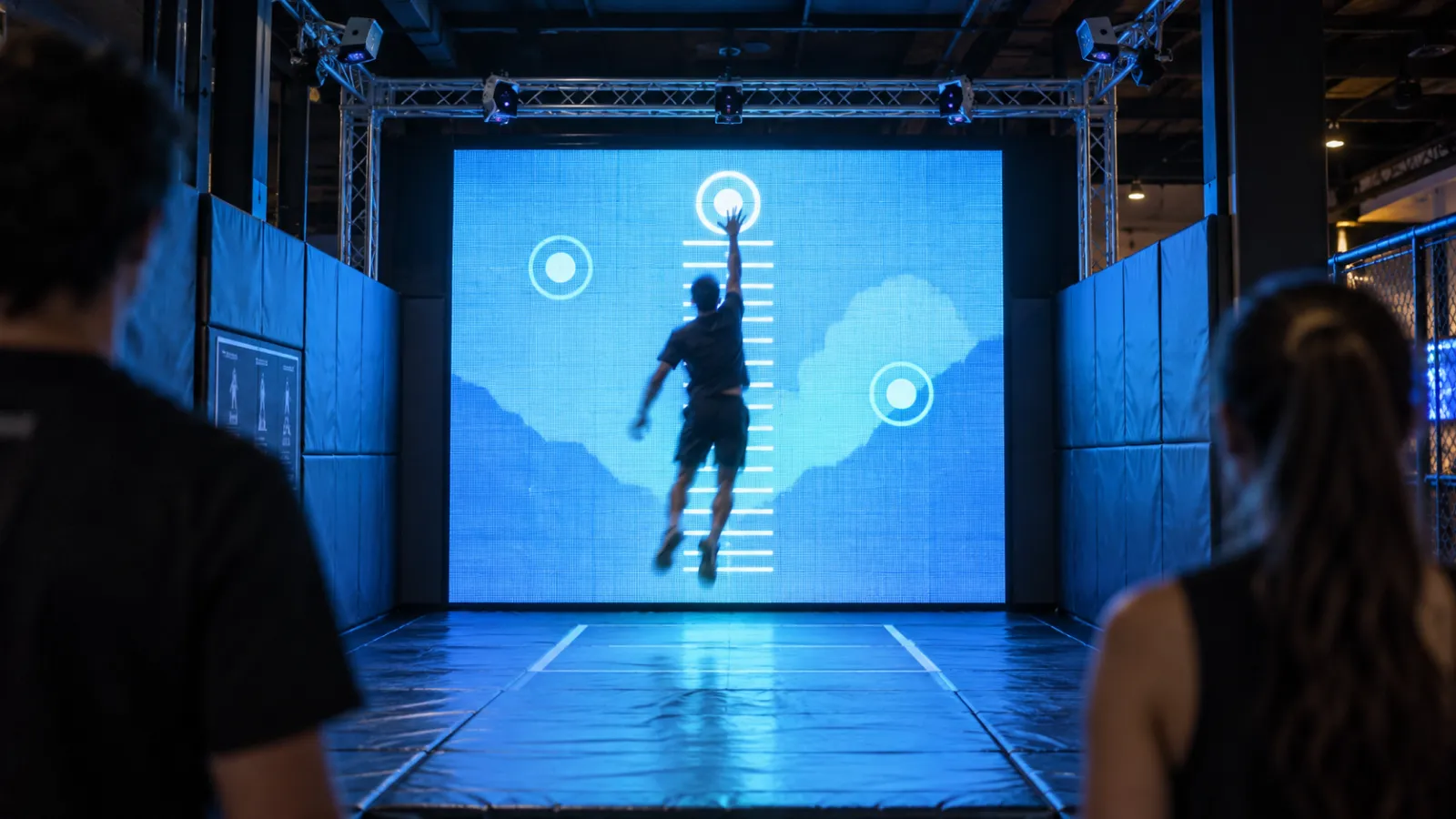
Example: Floor installations where ripples spread from footsteps, screens that respond to hand gestures
3-2. Projection Mapping
Video projected onto buildings or 3D objects transforms spaces. Interactive versions respond to audience movement.
Example: Architectural projections on historic buildings, seasonal event displays
3-3. VR/AR/MR Experiences
Virtual or augmented reality where viewers enter the artwork's world.
Examples:
- VR headset immersive art spaces
- Smartphone AR revealing hidden artworks in physical spaces
- Mixed reality works using Apple Vision Pro or Meta Quest
3-4. Generative × Interactive
Algorithmically generated visuals or sounds influenced by audience input.
Example: Visitors' movements become parameters that continuously shape evolving visuals
3-5. Web-Based Interactive Art
Interactive art experienced through web browsers using WebGL, Three.js, or WebGPU.
Example: 3D spaces that transform as you scroll, generative visuals responding to mouse movement
Related article: Three.js in 2026: What Changed
4. Notable Artists and Studios
4-1. International Studios
| Artist/Studio | Notable Works & Approach |
|---|---|
| Random International (UK) | Known for "Rain Room." Explores human-machine relationships |
| Olafur Eliasson (Denmark/Germany) | Experiential installations using light, water, and atmosphere |
| Rafael Lozano-Hemmer (Mexico/Canada) | "Pulse" series: visualizing heartbeats in architectural scale |
| Refik Anadol (Turkey/USA) | Data sculptures using AI and machine learning |
| teamLab (Japan/Global) | "Borderless" and "Planets" immersive museums worldwide |
| Utsubo (Japan/Global) | WebGPU/Three.js-powered web experiences and installations |
5. Interactive Art on the Web
5-1. Bringing Museum Experiences Online
Traditionally, interactive art required physical presence. But advances in WebGPU and Three.js now enable museum-quality experiences directly in web browsers.
Web-accessible interaction methods:
- Webcam: Face detection, pose estimation, expression analysis (MediaPipe, TensorFlow.js)
- Microphone: Voice input, volume detection, beat sync
- Mouse/Touch: Gestures, swipes, multi-touch
- Device motion: Smartphone tilt, shake detection
These sensors work through browser APIs—no special hardware required for audiences.
5-2. What WebGPU Enables
With WebGPU supported across all major browsers as of 2025, real-time 3D on the web has evolved dramatically.
WebGPU capabilities:
- Rendering tens of thousands of particles in real-time
- Physics simulations (fluids, cloth, flocking)
- GPU compute shaders for high-speed calculations
- Post-processing effects (bloom, depth of field)
Related article: Three.js in 2026: What Changed
5-3. Web vs. Physical: Complementary Strengths
| Physical Installation | Web Interactive |
|---|---|
| Requires physical presence | Accessible worldwide |
| Limited to venue hours | Available 24/7 |
| Capacity constraints | Unlimited concurrent users |
| High installation/operation costs | Scales at low cost |
| Hard to share experiences | Shareable via URL |
Of course, the immersion and physicality of being in a space can't be replaced. The ideal strategy is hybrid: combining physical installations with web experiences.
Example: Visitors experience an installation at a museum, then revisit and share it online at home.
6. How to Create Interactive Art
6-1. Beginner: Processing / p5.js
Processing is a programming environment designed for artists and designers, making visual output accessible.
p5.js is the JavaScript version, running directly in browsers.
Learning resources:
- The Coding Train (YouTube)
- The Nature of Code (Book/Online)
6-2. Intermediate: TouchDesigner / Max/MSP
- Node-based visual programming environment
- Strong for real-time video processing, sensor integration, projection mapping
- Industry standard for commercial installations
- Specialized for real-time audio/visual processing
- Ideal for interactive sound works
6-3. Advanced: Custom Development
Large-scale projects or cutting-edge expression often require custom solutions.
Tools and technologies:
- openFrameworks: C++ creative coding framework
- Unity / Unreal Engine: Game engines for immersive experiences
- Three.js / WebGPU: High-quality web-based 3D
6-4. Hardware
| Purpose | Recommended Equipment |
|---|---|
| Prototyping | Arduino, Raspberry Pi |
| Depth sensing | Intel RealSense, Azure Kinect, LiDAR |
| Motion capture | OptiTrack, Vicon (premium), MediaPipe (software) |
| Projection | Short-throw projectors, LED walls |
6-5. Learning Roadmap
1. Learn fundamentals with p5.js / Processing (1–3 months)
    ↓
2. Add sensor interaction: Webcam → ml5.js (pose detection)
    ↓
3. Learn real-time processing with TouchDesigner or Max/MSP
    ↓
4. Practice at small exhibitions or hackathons
    ↓
5. Join professional projects
7. Where to Experience Interactive Art
7-1. Museums & Permanent Venues
| Venue | Location | Highlights |
|---|---|---|
| teamLab Borderless | Tokyo (Azabudai) | Boundary-free immersive digital art |
| teamLab Planets | Tokyo (Toyosu) | Water and light sensory spaces |
| ARTECHOUSE | Washington D.C., NYC, Miami | Technology × art exhibition spaces |
| Ars Electronica Center | Linz, Austria | The world's premier media art institution |
| Meow Wolf | Santa Fe, Las Vegas, Denver, Houston | Immersive art experiences |
For a wider survey, browse our 38 interactive installation examples from museums and immersive venues worldwide.
7-2. teamLab Worldwide
| Location | Venue |
|---|---|
| Tokyo | Borderless, Planets |
| Shanghai | teamLab Supernature |
| Singapore | teamLab Supernature |
| Abu Dhabi | teamLab Phenomena (Opening 2025) |
| Macau | teamLab Supernature |
7-3. Festivals
| Festival | Location | Highlights |
|---|---|---|
| Ars Electronica Festival | Austria | World's largest media art festival |
| SXSW | Austin, TX | Tech × creative convergence |
| MUTEK | Montreal, Mexico City | Digital creativity and electronic music |
8. Business Applications
Interactive art extends far beyond gallery walls into commercial spaces.
8-1. Museums & Cultural Institutions
- Extended visitor dwell time (at the Cleveland Museum of Art, visitors who began in the interactive ArtLens Gallery stayed 30 minutes to an hour longer in the museum, according to a 2018 independent evaluation)
- Social media amplification through shareable moments
- Enhanced learning outcomes through experiential education
Related article: How Interactive Exhibits Transform Museums
8-2. Retail & Brand Experiences
- Increased foot traffic stopping and engagement
- UGC (user-generated content) creation
- Brand storytelling through immersive experience
Related article: Interactive Installations for Retail Spaces
8-3. Hotels & Hospitality
- Lobby differentiation and memorable first impressions
- Destination appeal for travelers seeking unique experiences
- "Can't-experience-anywhere-else" value creation
Related article: Interactive Installations for Hotels
9. Commissioning Interactive Art
For organizations looking to create custom interactive installations, working with specialized studios is standard practice.
Key considerations:
- Define your goals: Branding? Visitor attraction? Education?
- Understand budget tiers: Single-screen interactive pieces from $20,000, custom multi-sensor works $40,000–$80,000, room-scale installations $100,000–$200,000, multi-site flagships $200,000+
- Plan operations: Permanent installations require maintenance contracts
- Select the right studio: Evaluate portfolio, technical capability, project management
Learn more: How to Brief an Interactive Installation Studio
10. About Utsubo
Utsubo is a technology-driven creative studio based in Osaka, Japan. We specialize in WebGPU/Three.js-powered web experiences and large-scale interactive installations for global clients.
At Expo 2025 Osaka, we exhibited "Waves of Connection," an interactive installation inspired by Hokusai's The Great Wave.
Learn more: Expo 2025 Hokusai Installation Case Study
11. Let's Talk
Commissioning interactive art for a museum, brand space, or public venue? We work with teams on interactive installations, immersive exhibitions, and real-time 3D experiences.
If you're exploring a partnership, let's discuss your project:
- What you're building and the constraints you're working with
- Which technical approach makes sense for your goals
- Whether we're the right fit to help you execute
FAQs
Q: What's the difference between interactive art and media art? A: Media art encompasses all art using electronic or digital media, while interactive art is a subset that specifically requires audience input to trigger changes in the artwork. A video playing on a screen is media art; a video that responds to your movements is interactive art.
Q: What skills do I need to start creating interactive art? A: You can begin with basic programming using p5.js or Processing. Having a design or art background expands your creative possibilities, but it's not required. The most important thing is curiosity about combining technology with creative expression.
Q: What are the business benefits of installing interactive art in commercial spaces? A: Key benefits include extended dwell time, social media UGC creation, and distinctive brand storytelling. ROI varies by location and goals, so agree on the metrics you will track, such as dwell time and participation rate, before launch.
Q: How much does interactive art cost to create? A: Budget tiers vary widely: a true single-screen interactive piece starts around $20,000 (below that you're looking at digital signage, not interactive), custom multi-sensor installations run $40,000–$80,000, room-scale immersive installations $100,000–$200,000, and multi-room or multi-site flagships $200,000+.
Q: Can interactive art be installed outdoors? A: Yes, but outdoor installations require weatherproofing, temperature management, and sun glare mitigation, which increases costs. Projection mapping is typically limited to nighttime hours.
Q: What about maintenance and support? A: Permanent installations typically require maintenance contracts covering remote monitoring, scheduled inspections, and issue response. Plan for 10–15% of project value per year, depending on complexity.


 Osaka Interactive Installation Studio